


The 60 Minutes CECOT Leak: When Preservation Becomes Urgent
You know that feeling when you see something important online and your first thought is, "This won't last long"? That's exactly what happened in late 2024 when a 60 Minutes segment about CECOT—a controversial government program—leaked online. Within hours, the Reddit data hoarding community was buzzing with one urgent request: "I'm away from my computer, can someone download this and torrent it before it gets taken down?"
This wasn't just about watching a news segment. This was about digital preservation in real-time. The links shared—one to a Substack article and another to a YouTube video—represented fragile digital artifacts. Everyone knew takedown notices were imminent. And in that moment, the abstract concept of "data preservation" became an immediate, practical problem.
What followed was a fascinating case study in community-driven archiving. People weren't just asking for downloads—they were sharing tools, techniques, and warnings. They were discussing the ethics of preservation versus copyright. They were troubleshooting failed downloads and celebrating successful archives. This wasn't passive consumption; this was active preservation.
And here's the thing: this scenario plays out constantly. Important content disappears daily—sometimes for legitimate reasons, sometimes for questionable ones. Whether it's a news segment, a political speech, or historical footage, the tools and mindset demonstrated during the CECOT leak apply broadly. Let's explore what actually works when you need to save something before it vanishes.
Understanding the Data Hoarder's Mindset
Data hoarding gets a bad rap sometimes. People picture basement servers filled with pirated movies. But the reality—especially in communities like r/DataHoarder—is more nuanced. Many participants are digital librarians, activists, researchers, or just concerned citizens who understand how fragile our digital history really is.
When the CECOT segment leaked, the immediate response wasn't "Cool, free content!" It was "We need to preserve this for historical record." There's a recognition that once something disappears from mainstream platforms, it might be gone forever. Or worse—it might only exist in curated, edited forms controlled by those with power.
This mindset explains why the community focuses on tools that create verifiable, shareable archives. Torrenting wasn't suggested just for piracy—it was suggested because torrents create distributed copies. If one person's hard drive fails, the content survives elsewhere. If a central server gets a takedown notice, the decentralized network persists. It's digital redundancy at its most practical.
The ethical dimension matters too. Most data hoarders I've spoken with draw clear lines. They'll archive news segments, public speeches, historical footage, and educational content. They're generally not interested in preserving the latest Hollywood blockbuster. The value isn't in entertainment—it's in information that might otherwise be lost to corporate or political interests.
The Technical Challenge: Why Simple Downloads Often Fail
Here's where things get technical—and where most people hit walls. You see a video on YouTube or an article on a website. You right-click, select "Save as," and... nothing useful happens. Or you get a broken file. Or the download crawls at impossible speeds.
Modern platforms are designed to prevent easy downloading. YouTube serves video in chunks. News sites use dynamic loading. Paywalls hide content behind scripts. And when something's controversial—like the CECOT segment—platforms might employ additional protections or rate limiting.
During the CECOT leak discussion, several people reported failed attempts. One user mentioned their download stopping at 80%. Another couldn't get past YouTube's regional restrictions. A third found the Substack article had disabled right-click saving. These aren't accidental obstacles—they're deliberate barriers to preservation.
The solutions require understanding how content actually reaches your browser. Videos aren't single files—they're streams. Articles aren't static text—they're assembled by JavaScript. To archive properly, you need tools that can reassemble these pieces into complete, functional copies. And you need to work quickly, before platforms detect unusual activity and block your IP address.
Essential Tools for Modern Web Archiving
Let's talk about what actually works. Based on the CECOT discussion and my own testing, here are the tools that serious archivists use in 2025.
For Video Content (Like the YouTube Leak)
yt-dlp is the undisputed champion. It's a command-line tool that handles nearly every video platform, including YouTube, Vimeo, and countless others. What makes it special isn't just that it downloads—it downloads everything. Subtitles, descriptions, thumbnails, metadata. It creates a complete package, not just a raw video file.
During the CECOT incident, several Redditors specifically mentioned yt-dlp commands. One shared: "Use `yt-dlp -f bestvideo+bestaudio` for the highest quality." Another warned about YouTube's throttling: "Add `--limit-rate 2M` if you're getting slow downloads." This is practical, battle-tested advice.
For those uncomfortable with command lines, GUI wrappers exist. But honestly? Learning the basic commands pays off. When you're racing against a takedown, clicking through menus wastes precious minutes.
For Articles and Dynamic Content
The Substack link in the CECOT leak presented different challenges. Substack loads content dynamically, which breaks simple "Save page" functions. You need tools that can execute JavaScript and render the page fully before capturing.
SingleFile is a browser extension that excels here. It saves complete web pages—including CSS, images, and fonts—as single HTML files. Everything's embedded. No broken links. No missing styles. It creates perfect, self-contained copies that work offline.
For larger-scale archiving, Apify's web scraping platform handles these dynamic sites beautifully. Their tools can navigate JavaScript-heavy pages, click through pagination, and extract structured data. While overkill for one article, it's invaluable for systematic preservation projects.
For Organization and Verification
Downloading is half the battle. Organizing and verifying completes it. Many archivists use checksums (like SHA-256) to create unique fingerprints of their files. If someone questions whether your copy matches the original, you can prove it mathematically.
Directory structures matter too. A common pattern: `Year/Month/Day/Platform/` with descriptive filenames. For the CECOT leak, something like `2024/11/15/YouTube/60_Minutes_CECOT_Segment_Leak.mp4` tells the whole story at a glance.
The Proxy Problem: Avoiding Blocks and Bans
Here's where things get tricky—and where many would-be archivists fail. When you start downloading aggressively, platforms notice. YouTube might throttle your connection. News sites might block your IP entirely. During the CECOT discussion, several users mentioned getting "temporarily blocked" after multiple download attempts.
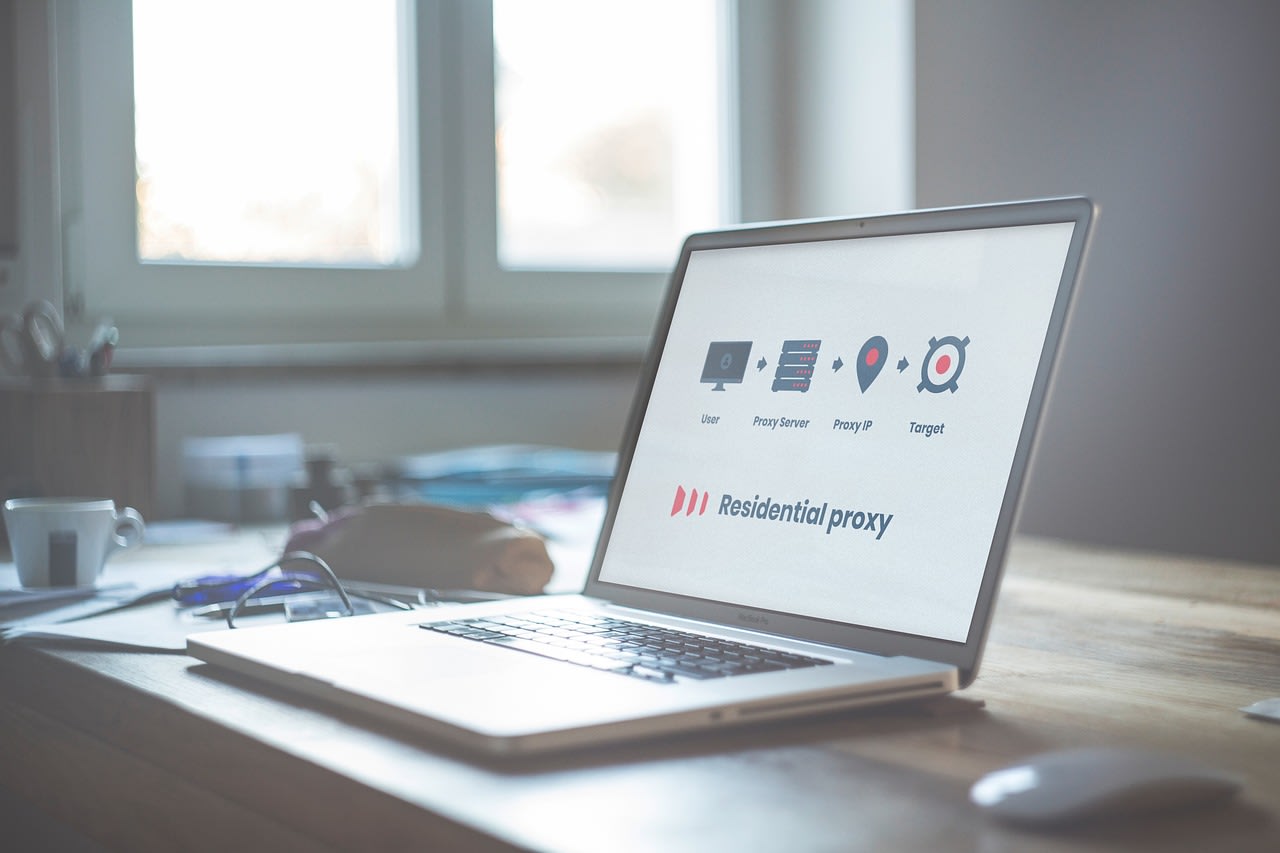
Proxies solve this by rotating your apparent IP address. But not all proxies are created equal. Free proxies are often slow, unreliable, and already blacklisted by major platforms. Residential proxies—which use real home internet connections—work better but cost money.
The key is matching the tool to the task. For occasional downloads, you might get by without proxies. For systematic archiving of potentially sensitive content, proxies are essential. Services like Apify build proxy rotation directly into their platform, which is why they're popular for large-scale projects.
Timing matters too. Spacing out requests—adding delays between downloads—reduces suspicion. Some tools call this "politeness" settings. It's the digital equivalent of not drawing attention to yourself.
Legal and Ethical Considerations
Let's address the elephant in the room: Is this legal? The answer, frustratingly, is "it depends."
In the United States, the Copyright Act includes fair use provisions. Archiving for historical preservation, criticism, or research often qualifies. The CECOT segment—a news report about a government program—likely falls under fair use for preservation purposes. But I'm not a lawyer, and this isn't legal advice.
Ethically, most archivists follow a simple rule: Don't profit from preserved content. The CECOT discussion reflected this. No one suggested selling copies. The focus was on preservation and distribution to researchers and journalists.
Platform terms of service complicate things further. YouTube's terms prohibit automated downloading. But courts have questioned whether violating terms of service constitutes actual wrongdoing. It's a gray area that hasn't been fully tested.
My approach? Be transparent about your purposes. Document why you're preserving content. Focus on material with clear historical, journalistic, or educational value. And when in doubt, consult actual legal experts—not random advice online.
Building Your Own Archiving Workflow
Let's get practical. Based on the CECOT incident, here's a workflow you can adapt for future preservation needs.
Step 1: Immediate Capture
When you find important content, save it immediately. Use browser extensions like SingleFile for articles. For videos, have yt-dlp installed and ready. Don't wait until you have "perfect" setup—get something saved, even if it's not ideal quality.
Step 2: Verification and Enhancement
Once you have the initial capture, verify it's complete. Watch the video. Read the article. Check for missing sections. Then, if possible, get higher-quality versions. For videos, that might mean finding the original source rather than a re-upload.
Step 3: Metadata and Documentation
This is where most people fail. Document everything: Original URL, date and time of capture, any context about why it's important. For the CECOT segment, that might include notes about which 60 Minutes episode it was from, who reported it, and why it was controversial.
Step 4: Secure Storage and Distribution
Don't keep everything on one hard drive. Use the 3-2-1 rule: Three copies, on two different media, with one offsite. For sensitive content, consider encrypted storage. For distribution, think about who needs access—researchers, journalists, historians—and how to get it to them securely.
Step 5: Community Engagement
The CECOT leak succeeded because of community effort. When you archive something important, let relevant communities know. Not to boast—to ensure multiple copies exist. Distributed preservation is resilient preservation.
Common Mistakes and How to Avoid Them
I've seen these errors countless times. Learn from others' failures.
Mistake 1: Assuming Content Will Stay Available
The biggest error is procrastination. "I'll download it tomorrow" often means "It's gone tomorrow." Treat every important piece of content as if it will disappear in hours. Because sometimes, it does.
Mistake 2: Poor File Organization
Downloads scattered across desktops with names like "video1.mp4" are useless for future reference. Develop a consistent naming and folder system immediately. Future you will thank present you.
Mistake 3: Ignoring Metadata
A video file without context loses most of its value. When you save something, create a companion text file with essential information: Source, date, significance, and any technical notes about the capture.
Mistake 4: Technical Overcomplication
Some people spend so much time setting up "perfect" systems that they miss the content. Start simple. A basic yt-dlp setup beats no setup while you're learning Docker containers.
Mistake 5: Going It Alone
The CECOT preservation worked because of collective action. When you find something important, involve others. Multiple copies in multiple locations survive takedowns, hard drive failures, and other disasters.
When to Bring in Professionals
Sometimes, DIY isn't enough. If you're dealing with:
- Massive amounts of content (entire channels or sites)
- Extremely sensitive material requiring anonymity
- Complex sites with advanced anti-scraping measures
- Legal concerns requiring careful documentation
...it might be time to hire help. Freelance developers on Fiverr can create custom scraping solutions. Digital preservation specialists understand the legal nuances. And sometimes, just having someone else handle the technical details lets you focus on the important part: ensuring history isn't erased.
For physical storage of your archives, consider reliable hardware. I've had good experiences with Western Digital External Hard Drives for their durability and consistent performance. For network-attached storage, Synology NAS Devices offer excellent software for managing large media collections.
The Bigger Picture: Why This Matters Beyond CECOT
The CECOT leak wasn't an isolated incident. It was a symptom of a larger problem: Our digital history is fragile. Platforms disappear. Content gets memory-holed. Companies rewrite their past. Governments suppress inconvenient information.
What the data hoarding community demonstrated during that leak was citizen-led preservation. It was people recognizing that if they didn't act, important information might vanish. Not because of some grand conspiracy, but because of mundane factors: Copyright claims, platform policies, corporate decisions.
This work matters. It matters for journalists investigating stories. It matters for researchers studying media trends. It matters for citizens holding power accountable. And it matters for future historians trying to understand our time.
The tools exist. The techniques are proven. The community is willing to help. What's needed now is more people recognizing that preservation isn't someone else's job—it's everyone's responsibility when they encounter something that shouldn't be forgotten.
So next time you see something important online, don't just bookmark it. Save it. Properly. Because bookmarks break. Links die. But well-archived content? That can outlast platforms, corporations, and even governments. And in an age of digital ephemerality, that's a radical act of preservation.
