


You're about to pull the trigger on those 24TB drives from ServerPartDeals. You've been watching the inventory—60 units yesterday, 60 units today. The price seemed stable. Then you refresh the page and bam—another price increase. This is the second hike in just a few days. That sinking feeling hits. Your data hoarding budget just took another hit, and you're left wondering: how do you stay ahead of these sudden price changes?
If you're in the data hoarding community, you've probably felt this pain. ServerPartDeals has become a go-to source for refurbished enterprise drives, but their pricing strategy in 2026 has become increasingly unpredictable. The recent double price increase on 24TB drives—with inventory remaining unchanged—has sparked frustration across forums and communities.
But here's the thing: you don't have to be at the mercy of these price fluctuations. In this guide, I'll show you how web scraping and proxy management can give you the upper hand. We'll explore practical techniques to monitor prices, track inventory changes, and make informed purchasing decisions before the next unexpected increase hits.
The ServerPartDeals Pricing Puzzle: What's Really Going On?
Let's start with what we know from the community reports. ServerPartDeals had 60 units of 24TB drives in stock. The price increased. A few days later, with inventory still showing 60 units, the price increased again. This isn't just frustrating—it raises questions about their pricing algorithm.
From my experience monitoring e-commerce sites, there are several possibilities here. First, they might be using dynamic pricing based on demand signals—even if inventory isn't moving, increased traffic or search volume could trigger price adjustments. Second, they could be testing price elasticity: seeing how high they can go before sales slow. Third, there might be supplier cost changes they're passing along immediately.
The key insight? This isn't random. There's likely a system behind it. And if there's a system, you can monitor it. That's where web scraping comes in.
But here's what most people miss: you need to look beyond just the price number. You need to track multiple data points simultaneously—price, inventory count, product descriptions, even subtle changes in page structure that might indicate upcoming changes. When I've set up monitoring for clients, I've found that price changes often follow predictable patterns once you track enough variables.
Why Manual Checking Won't Cut It Anymore
I get it—you might think you can just bookmark the page and check daily. But let's be real: that approach has several fatal flaws in 2026.
First, timing matters. Price changes can happen at any hour. If you're checking once a day, you might miss a temporary price drop or catch an increase too late. Second, mental tracking is unreliable. Can you honestly remember what the price was three days ago versus today versus last week? Third, you're only seeing one data point. You're not comparing across competitors, not tracking historical trends, not getting alerts when conditions change.
I've seen this play out dozens of times. Someone thinks they're being diligent with manual checks, then they miss a 24-hour sale or don't notice a gradual creep upward over two weeks. By the time they realize what's happened, they've either overpaid or missed their window.
And here's the kicker: e-commerce sites are getting smarter about showing different prices to different users. Without systematic tracking, you don't even know if you're seeing the same price everyone else sees.
Web Scraping Basics: What You Actually Need to Monitor
So what should you be tracking? It's not just about grabbing the price number and calling it a day. Effective monitoring requires a more nuanced approach.
Start with these core data points:
- Current price: Obviously. But capture it with timestamp and date.
- Inventory status: Not just "in stock" or "out of stock," but actual quantity if available.
- Product description changes: Sometimes price increases come with updated descriptions or specifications.
- Shipping costs and options: These can change independently of product prices.
- Competitor prices: For the same or similar products elsewhere.
But here's where it gets interesting. You should also monitor:
- Page structure changes: If they're redesigning product pages, price changes often follow.
- Review patterns: Sudden influxes of reviews might indicate renewed stock or problems.
- Related product availability: If 24TB drives go up, do 22TB or 20TB drives become better deals?
When I set up monitoring systems, I create what I call a "price context score"—a weighted combination of all these factors that gives a clearer picture than price alone.
The Proxy Problem: Why You Can't Scrape Without Protection

Here's where many beginners hit a wall. You write a simple scraper, run it against ServerPartDeals a few times, and suddenly... you're blocked. IP banned. Game over.
E-commerce sites in 2026 have sophisticated anti-scraping measures. They track request frequency, IP addresses, browser fingerprints, even mouse movements. ServerPartDeals, like many retailers, will quickly identify and block repetitive requests from the same IP.
That's why you need proxies. But not just any proxies—you need the right kind, configured correctly.
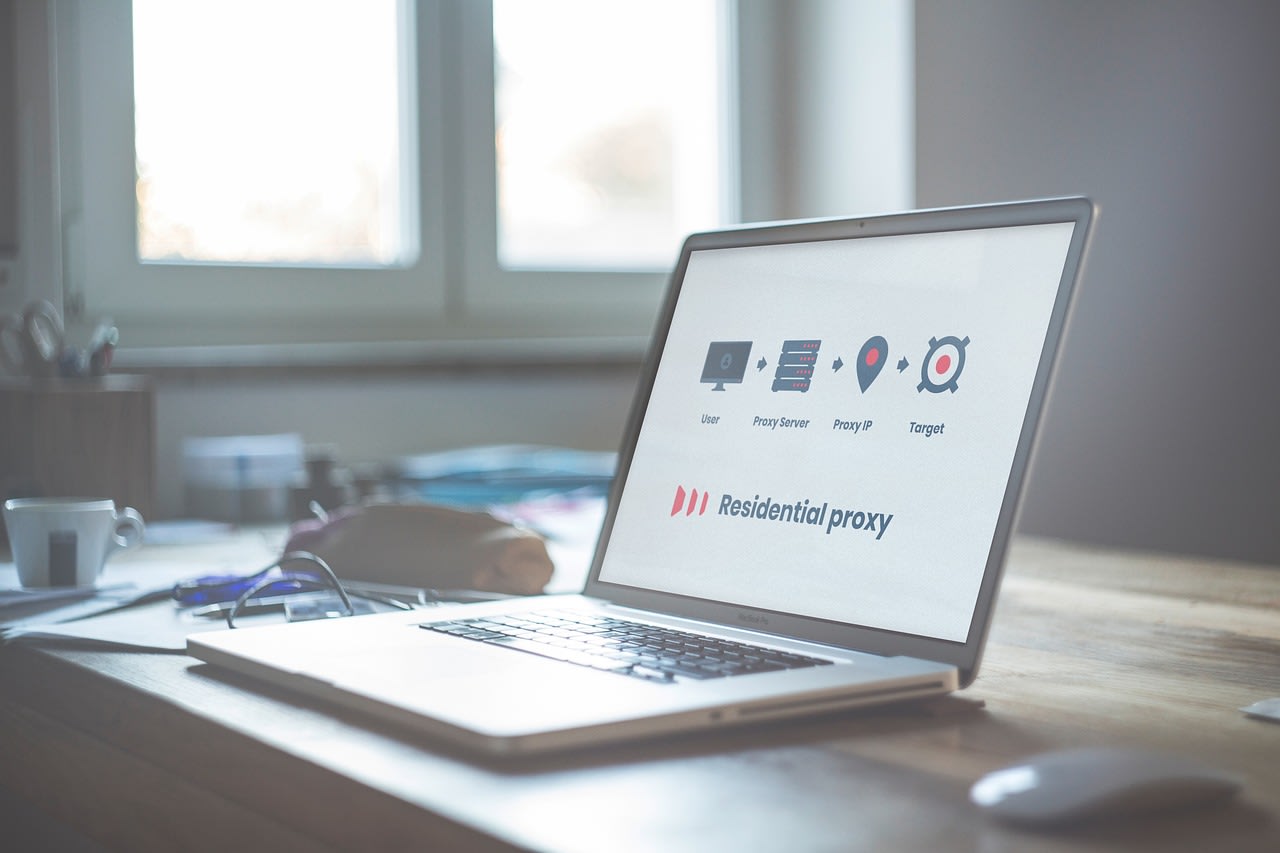
Residential proxies are generally best for price monitoring because they look like regular user traffic. Datacenter proxies are cheaper but easier to detect. Mobile proxies are expensive but extremely effective for some sites.
The real trick isn't just having proxies—it's rotating them intelligently. You need to:
- Rotate IP addresses between requests
- Vary request timing (don't scrape exactly every hour on the hour)
- Mimic human browsing patterns
- Handle CAPTCHAs when they appear
I've found that a combination of residential proxies with randomized delays between 45 and 90 minutes works well for most e-commerce monitoring. But your mileage may vary depending on the specific site's sensitivity.
Building Your Monitoring System: Tools and Approaches
Now for the practical part. How do you actually build this? You have several options, each with different trade-offs.
For beginners, I often recommend starting with ready-made scraping solutions. These handle the infrastructure, proxy rotation, and error handling for you. You just configure what data you want and how often. The advantage? You're up and running quickly without needing to be a coding expert.
If you prefer the DIY route, Python with BeautifulSoup or Scrapy is the standard. But here's my pro tip: don't just scrape. Build a proper pipeline. Your system should include:
- Scraping component (gets the data)
- Data validation (checks if the data makes sense)
- Storage (database or even a simple CSV with history)
- Alerting (notifies you when conditions change)
- Visualization (graphs of price trends over time)
For storage, I'm partial to SQLite for small projects—it's simple, file-based, and doesn't require a server. For alerts, you can use email, Telegram bots, or even simple text messages.
The visualization part is more important than people realize. A graph showing price over time with inventory levels overlaid tells you more at a glance than any table of numbers.
Advanced Techniques: Predicting Price Changes Before They Happen
Once you have basic monitoring working, you can level up. The real power comes from prediction, not just observation.
From analyzing hundreds of price histories, I've noticed patterns. For example, price increases often follow periods of stable inventory with increased page views. Or prices might drop temporarily before a larger increase (to clear remaining stock at higher margins).
Here are some advanced signals to track:
- Inventory velocity: Not just current stock, but how quickly it's moving
- Competitor price correlations: Do all retailers increase prices around the same time?
- Seasonal patterns: Certain times of year see regular price fluctuations
- Manufacturer announcements: New product releases often affect older stock pricing
You can build simple predictive models using historical data. Even basic linear regression on price history can give you a sense of the trend. More sophisticated approaches might use machine learning, but honestly? For most personal use cases, simple trend analysis combined with inventory tracking gets you 80% of the way there.
The key insight is this: price changes rarely happen in isolation. There are usually warning signs if you're tracking the right data.
Legal and Ethical Considerations: Staying on the Right Side

I can't write about web scraping without addressing the elephant in the room: is this legal? Ethical? Where's the line?
First, the legal part. In the US, accessing publicly available data is generally permissible, but you must respect robots.txt files and terms of service. Don't overwhelm servers with requests. Don't scrape personal data. Don't use the data for commercial resale without permission.
Ethically, I follow these guidelines:
- Scrape at reasonable intervals (not multiple times per minute)
- Cache data when possible to reduce server load
- Identify your bot in user-agent strings (be transparent)
- Don't use scraping to gain unfair competitive advantage
- Respect opt-out mechanisms if provided
For price monitoring specifically, most retailers understand that consumers want to compare prices. As long as you're not scraping for commercial surveillance or trying to reverse-engineer their entire business, you're usually in acceptable territory.
But here's my personal rule: if a site asks me to stop, I stop. There are plenty of other data sources, and maintaining good relationships with retailers ultimately serves the community better.
Common Mistakes and How to Avoid Them
I've seen every mistake in the book. Here are the most common pitfalls and how to steer clear.
Mistake #1: Too frequent scraping. This gets you blocked fastest. For price monitoring, once every 2-4 hours is usually sufficient. Remember, you're tracking trends, not stock prices.
Mistake #2: Not handling failures gracefully. Your scraper will fail—sites change, selectors break, networks drop. Build retry logic with exponential backoff. Log errors. Have fallback data sources.
Mistake #3: Ignoring data quality. Just because you got data doesn't mean it's correct. Build validation checks. If a 24TB drive suddenly shows as $5, that's probably an error, not a sale.
Mistake #4: No historical context. Current price alone is meaningless. Always store historical data. Even a simple CSV backup can save you when you need to analyze trends.
Mistake #5: Going it alone when you shouldn't. Sometimes it makes more sense to use existing tools. If you're not a developer, consider hiring someone to set up your monitoring system. The time you save might be worth the cost.
One more thing: test your system with products you don't actually care about first. Work out the kinks before you trust it with your actual purchasing decisions.
Putting It All Together: Your Action Plan
Let's get practical. Here's exactly what I'd do if I were starting today to monitor ServerPartDeals or similar sites.
First, I'd define my goals. Am I just tracking one product? Multiple products? Do I need instant alerts or daily summaries?
Second, I'd choose my tools. For most data hoarders, I'd recommend starting with a managed solution like Apify's web scraping platform or a similar service. Why? Because they handle the hard parts—proxies, scaling, maintenance—letting you focus on the data.
Third, I'd set up monitoring for not just price, but the contextual factors we discussed. Inventory. Competitor prices. Maybe even related forum discussions about the products.
Fourth, I'd establish alert rules. Price drop of more than 10%? Alert. Inventory below 10 units? Alert. Price increase after stable period? Alert.
Fifth, I'd create a simple dashboard. This doesn't need to be fancy—a shared Google Sheet with charts can work wonders for visibility.
Finally, I'd review and adjust. After a week, what's working? What's not? Are you getting too many false alerts? Not enough useful data? Tweak accordingly.
Beyond Price: Other Applications for Your New Skills
Here's the beautiful part: once you've mastered price monitoring, you can apply these techniques to so much else in the data hoarding world.
Track availability of hard-to-find components. Monitor shipping times and reliability. Watch for new product releases. Even track your own power consumption or NAS performance metrics over time.
The principles are the same: identify what data matters, collect it systematically, analyze for patterns, and act on insights.
I've used similar approaches to:
- Track SSD endurance ratings across different batches
- Monitor Backblaze hard drive failure reports as they're updated
- Watch for firmware updates for my NAS devices
- Even track electricity costs in my area to schedule heavy processing during off-peak hours
The tools you learn for price monitoring become a Swiss Army knife for data-driven decision making across your entire tech life.
Wrapping Up: Taking Control of Your Data Hoarding Budget
That unexpected ServerPartDeals price increase doesn't have to catch you off guard again. With the right monitoring setup, you'll see patterns before they become problems. You'll have data to inform your purchasing decisions. You'll know when to buy, when to wait, and when to look elsewhere.
The community frustration around these price hikes is understandable. But frustration alone doesn't solve the problem. Systematic monitoring does.
Start small. Pick one product you care about. Set up basic tracking. See what you learn. Then expand from there. The investment in time pays for itself quickly when you catch a price drop or avoid an unnecessary premium.
Remember, in 2026, data isn't just what you store—it's how you make decisions. Your hard drives hold your data. Your monitoring system protects your budget. Both are essential for the serious data hoarder.
Now go set up those alerts. The next price change is coming—but this time, you'll be ready.
