


Imagine having access to over 8,100 high-resolution scans of maps that charted the world centuries ago—detailed engravings from the Age of Exploration, hand-colored charts from the 18th century, and the first accurate surveys of continents. Now imagine that a commercial site is charging $50 each for these works, despite them being almost exclusively in the public domain. That’s the exact situation that sparked a major discussion in the data preservation community. The original archive, now hosted, represents a monumental act of digital rescue. But here’s the real question for tech-savvy archivists and historians in 2026: how do you responsibly and efficiently manage a collection of this scale? This isn't just about downloading files; it's about understanding the ethics, the technical hurdles of large-scale data collection, and building a usable archive for the future. If you've ever faced a paywall on public domain knowledge or wondered how to preserve digital culture, you're in the right place.
The Great Map Rescue: Context and Controversy
Let's rewind a bit. The core of this story isn't new—it's a classic digital-age dilemma. A commercial entity scans physical public domain works from libraries and archives, a process that costs money. To recoup that investment, they sell access to the digital files. The controversy, as highlighted in the original source material, hinges on the price point and the nature of the goods. Charging $50 for a single digital file of a work that belongs to everyone feels, to many in the archiving community, like gatekeeping culture. The original poster noted that many of these scans aren't even available in major free repositories like the David Rumsey Collection or the Smithsonian. So, a valuable piece of historical cartography could remain locked behind a paywall, inaccessible to researchers, artists, or hobbyists.
This act of liberation—uploading the 8,100+ scans to a public archive—wasn't mere piracy. It was a deliberate act of open access advocacy. The scans themselves range from about 1200 pixels to a massive 10,000 pixels wide, with a median around 3500px. That’s print-quality resolution. For historians, this is a primary source goldmine. For a graphic designer, it's a treasure trove of textures and artwork. The metadata, as the original poster offered, is the key that turns a pile of images into a searchable, usable collection. This context is crucial because it frames the entire technical exercise not as simple downloading, but as participating in the stewardship of public knowledge.
Understanding the Legal and Ethical Landscape in 2026
Before we touch a single line of code, we have to talk about the rules of the road. The ethical argument for liberating these maps is strong, but you must navigate the legal technicalities. The critical phrase from the source is "almost exclusively public domain." Almost is the operative word. In the United States, works published before 1928 are generally in the public domain. These 17th-19th century maps clearly qualify. However, the scan itself—the specific digital photograph—can sometimes be claimed as a new copyrightable work, depending on jurisdiction and the amount of original creativity involved (like significant color correction or stitching).
Most open culture advocates and institutions like the Wikimedia Commons argue that a faithful photographic reproduction of a public domain work does not generate a new copyright. This is the position that allows projects like Google Arts & Culture to thrive. The commercial site's $50 fee, therefore, is for access and convenience, not for licensing a copyrighted image. When you're sourcing similar materials in 2026, your first step is always a copyright check. Look for a rights statement. If it says "Public Domain" or "CC0," you're likely on solid ground. If the terms are vague, err on the side of caution. The mission is preservation, not infringement.
The Technical Hurdles of Mass Data Collection
Okay, so you've found a legitimate trove of public domain images you want to archive. The page lists 8,100 items. Clicking 'download' on each one manually isn't just tedious; it's practically impossible. This is where web scraping and automation move from convenient to essential. But large-scale collection isn't as simple as running a basic script. Websites, even archival ones, have defenses. They might limit the number of requests from a single IP address in a given time (rate limiting). They might employ basic bot detection.
The structure of the target site is your blueprint. You'll need to inspect the page to see how the images are linked. Are they direct links to JPG or TIFF files? Are they embedded in a complex viewer that requires interacting with JavaScript? The source mentioned the files are on a well-known public archive site, which typically has a more straightforward structure than a commercial paywall site. But you still need to parse the HTML, find the pattern for the download links, and systematically queue them up. The scale—8,100 files—also means you're dealing with potentially terabytes of data. You need a stable connection, significant storage, and a process that can handle interruptions without starting from scratch.
Why Proxies Aren't Just for Privacy Anymore
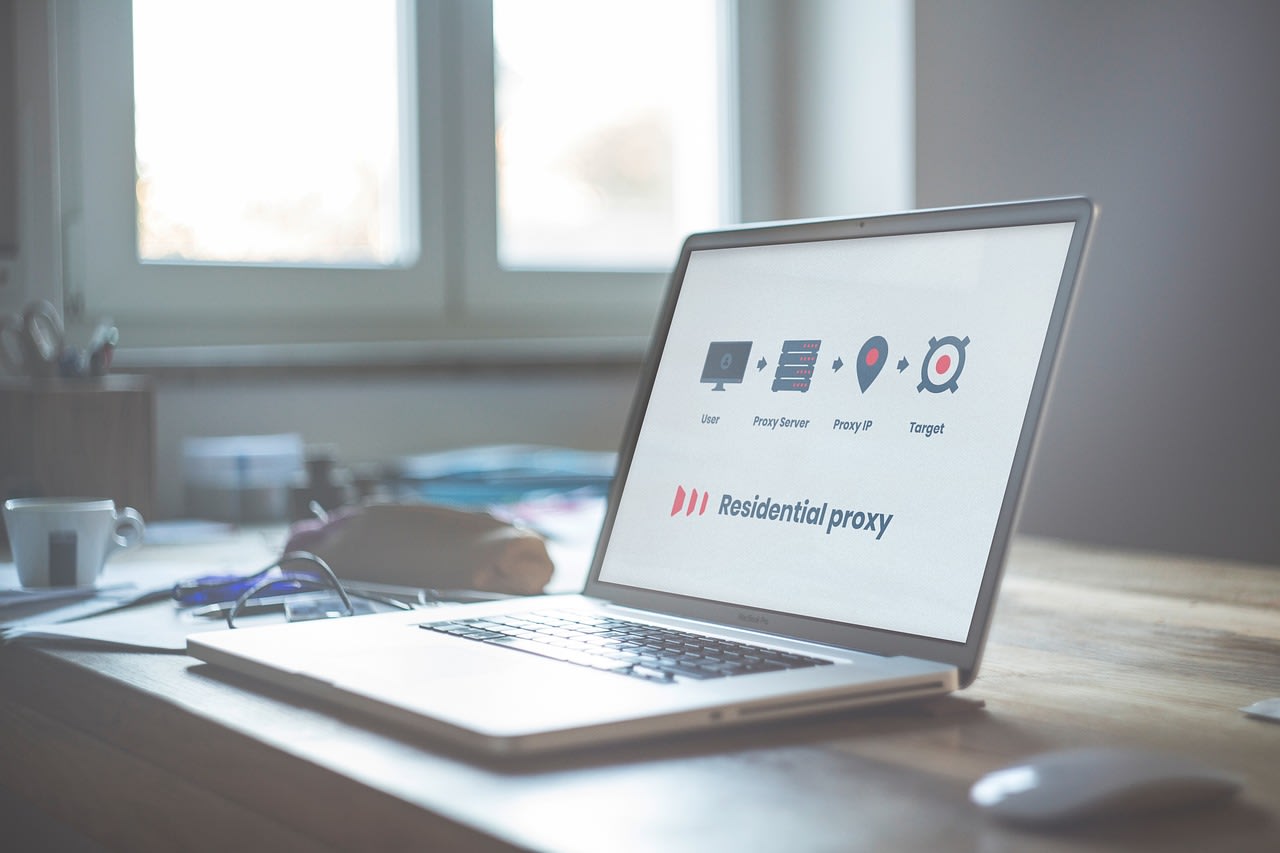
Here’s a pro tip that goes beyond basic tutorials. When most people think of proxies, they think of hiding their IP address. In large-scale ethical archiving, the primary role of proxies is polite persistence. You're not trying to sneak in; you're trying to be a good citizen while making a lot of requests. Sending hundreds of download requests per minute from a single IP looks like a denial-of-service attack to a server, even if your intentions are pure. It can get your IP temporarily blocked, halting your entire project.
A proxy rotation service allows you to distribute your requests across multiple IP addresses. This mimics natural, distributed traffic and keeps your request rate per IP well under any server's radar. For a project of this magnitude, using a pool of residential proxies (IPs from real ISP customers) is far more effective and less likely to be flagged than datacenter proxies. The goal is to archive, not to overwhelm. In my experience, setting a deliberate delay between requests—say, 2-5 seconds—combined with proxy rotation, is the mark of a responsible scraper. It respects the server's resources while allowing you to complete your mission.
Building Your Archiving Toolkit: Software and Strategy
You don't need to be a senior developer to tackle this, but you do need the right tools. For straightforward, scriptable downloading, wget and curl are still the undisputed champions. With the right recursive flags and an understanding of the site's directory pattern, you can often mirror large parts of a site directly. However, many modern sites, even archives, require a bit more finesse.
This is where a tool like Apify can change the game. Instead of writing a scraper from scratch and managing your own proxy infrastructure, you can use or adapt a pre-built 'actor' for the specific archive site. Apify handles the browser automation, proxy rotation, and error retries in the cloud. You configure the start URLs (like the main collection page), set the request intervals to be polite, and let it run. It extracts the metadata and image links into a structured dataset and can even push the files to your cloud storage. For a one-off project of this size, it can save you days of setup and debugging.
For the hands-on coder, Python with libraries like BeautifulSoup (for HTML parsing) and requests (for handling downloads) is perfect. The key is to write your script to be resilient. It should log every successful download, skip files that already exist locally, and retry failed downloads a few times before moving on. Always, always save the metadata (title, date, source URL) alongside the image file. A JPEG without context is just a picture; with metadata, it's a historical document.
Organizing the Chaos: From 8,100 Files to a Usable Archive
Downloading the files is only half the battle. You're now sitting on a mountain of data. The original poster specifically mentioned metadata being available upon request. That tells you everything. The real value of this collection isn't the pixels—it's the information about the pixels: the cartographer's name, the year of publication, the region depicted, the scale.
Your first task is to develop a consistent naming and folder structure. Don't just keep the often-cryptic original filenames. A structure like /Year/Cartographer/Region/Map_Title.jpg makes the collection browsable. You'll need a database. A simple SQLite database can work wonders. Create a table with fields for filename, title, year, cartographer, geographic coordinates, source URL, and any notes. If you get a metadata file (like a CSV or JSON), you can write a script to import it directly. If not, you might need to do some manual entry or, for a truly massive project, consider using an OCR service to read text from the maps themselves or hiring a specialist on a platform like Fiverr to help with categorization.
For physical storage, don't rely on a single hard drive. Use the 3-2-1 rule: three total copies, on two different types of media, with one offsite. For a collection this important, I'd recommend a primary NAS (Network-Attached Storage) like a Synology DiskStation for local access, a backup to a cloud service like Backblaze B2, and a periodic copy to an external drive stored elsewhere.
Common Pitfalls and How to Avoid Them
Even with the best intentions, things go wrong. Let's walk through the classic mistakes so you can sidestep them.
Pitfall #1: Ignoring Robots.txt. This file (usually found at yoursite.com/robots.txt) is the website's instruction manual for bots. It tells you which parts of the site you're allowed to access automatically. Always check it. If it disallows the directory with your target files, you need to reconsider your approach. For a public archive, it's usually permissive, but checking is a non-negotiable step for ethical scraping.
Pitfall #2: No Rate Limiting. Hammering a server with requests is rude and ineffective. Your script must include delays. I use a random delay between requests (e.g., 1-3 seconds) to make the traffic pattern look more human. Combine this with proxy rotation as discussed earlier.
Pitfall #3: Poor Error Handling. Your script will encounter 404 errors, network timeouts, and server hiccups. If it crashes at the first error, you'll have to babysit it. Write your script to catch common exceptions, log the error with the filename and URL, and continue with the next item in the queue.
Pitfall #4: Neglecting Metadata. It's the most common regret. You finish the 5-day download, have all the images, and realize you have no idea what they are. Scrape and save the metadata first, or at least concurrently with the images. It's far harder to go back and figure it out later.
Beyond Downloading: Contributing Back to the Commons
The story of the 8,100 maps is a beautiful example of the digital cycle: take, then give. Once you've built your organized, metadata-rich archive, think about how you can contribute that value back. You could create a simple website to showcase a curated subset. You could upload the enhanced metadata (with clear attribution to the original scanners) to a wiki. You could use the maps in creative commons-licensed projects, like historical YouTube videos or open-source game assets, always citing the source.
The tools and techniques we've discussed aren't just for this one map collection. They apply to any large-scale public domain media: vintage photography, old scientific illustrations, out-of-print books, historical audio recordings. The philosophy is the same: use automation ethically to preserve and democratize access to our shared heritage. In 2026, with link rot and digital decay constant threats, this skill set is a form of modern archaeology.
Your Next Steps in Digital Stewardship
So, where do you start? First, visit the archive and explore the collection. Get a feel for its scope. Then, plan. Sketch out your folder structure and database schema. Choose your tools—will it be a Python script, a configured cloud scraper, or a careful wget command? Set up your storage. Most importantly, adopt the mindset of an archivist, not just a collector. You're not hoarding data; you're preserving context and ensuring these maps remain accessible for the next researcher, the next artist, the next curious mind.
The technical details matter—the proxies, the error handling, the storage solutions. But the bigger picture matters more. Every time you ethically liberate and responsibly organize a piece of public domain history, you're punching a hole in a paywall and building a library for the future. That's work worth doing. Now, go explore.
