


The Digital Archivist's Dilemma: When Legal Documents Become Temporarily Accessible
You've probably seen the headlines by now. A judge rules that certain redactions in high-profile legal documents—like the Epstein files—can be lifted. For a brief window, previously hidden information becomes publicly accessible. And then, just as quickly, it might disappear again. This isn't just legal drama—it's a data preservation emergency.
I've been in this exact situation more times than I can count. Back in 2023, when the initial Epstein document dump happened, I watched as archivists scrambled to capture everything before links went dead or documents were re-sealed. The recent r/law and r/DataHoarder discussions highlight a critical truth: when the legal system opens a door, even briefly, someone needs to walk through with a camera.
But here's the thing most people don't realize: archiving legal documents isn't just about hitting "Save As." Court websites are notoriously fragile, rate-limited, and sometimes downright hostile to automated access. They're designed for human lawyers, not for preservationists trying to capture thousands of pages before midnight. That's where web scraping comes in—and where most people get it wrong.
Understanding the Legal Landscape: What "Unredacted" Really Means
Let's clear up some confusion from the original Reddit discussion. When a judge says documents "can be unredacted," that doesn't mean they're automatically published in clean form. Usually, it means the redactions can be challenged, and if successful, new versions might be released. Sometimes it's a staggered release. Other times, it's a one-time dump with a ticking clock.
From what I've seen in these cases, the unredacted versions often appear on PACER (the federal court system) or specific court websites. They might be available for download for 24-72 hours before being replaced with redacted versions again. Or worse—they might be accessible only through a clunky web interface that doesn't allow bulk downloads.
The r/DataHoarder community gets this instinctively. Their immediate reaction to the Epstein files news wasn't "interesting legal development"—it was "we need to archive this now." That's the right instinct, but without the right tools, it's like trying to bail out a sinking ship with a teaspoon.
The Technical Hurdles: Why Court Websites Are Scraping Nightmares
I've tested scraping tools against dozens of government and court websites, and they're consistently among the most difficult targets. Here's why:
First, there's the authentication problem. Many court systems require accounts, even for public documents. PACER charges per page (yes, really), which creates both financial and technical barriers. Some systems use session-based authentication that times out after 30 minutes of inactivity.
Then there's the structure—or lack thereof. Court documents aren't neatly organized in APIs. They're often served through legacy systems that generate dynamic URLs, use inconsistent naming conventions, and spread related documents across multiple pages. I've seen cases where a single filing is split across 15 different PDFs, each requiring separate authentication.
But the biggest issue? Rate limiting and IP blocking. Court websites have tiny budgets and can't handle massive traffic spikes. When a high-profile document drops, their servers get hammered. Their solution? Block anything that looks like automation. I've had IPs banned in under 5 minutes when scraping court documents during big releases.
Proxy Strategies That Actually Work for Legal Documents

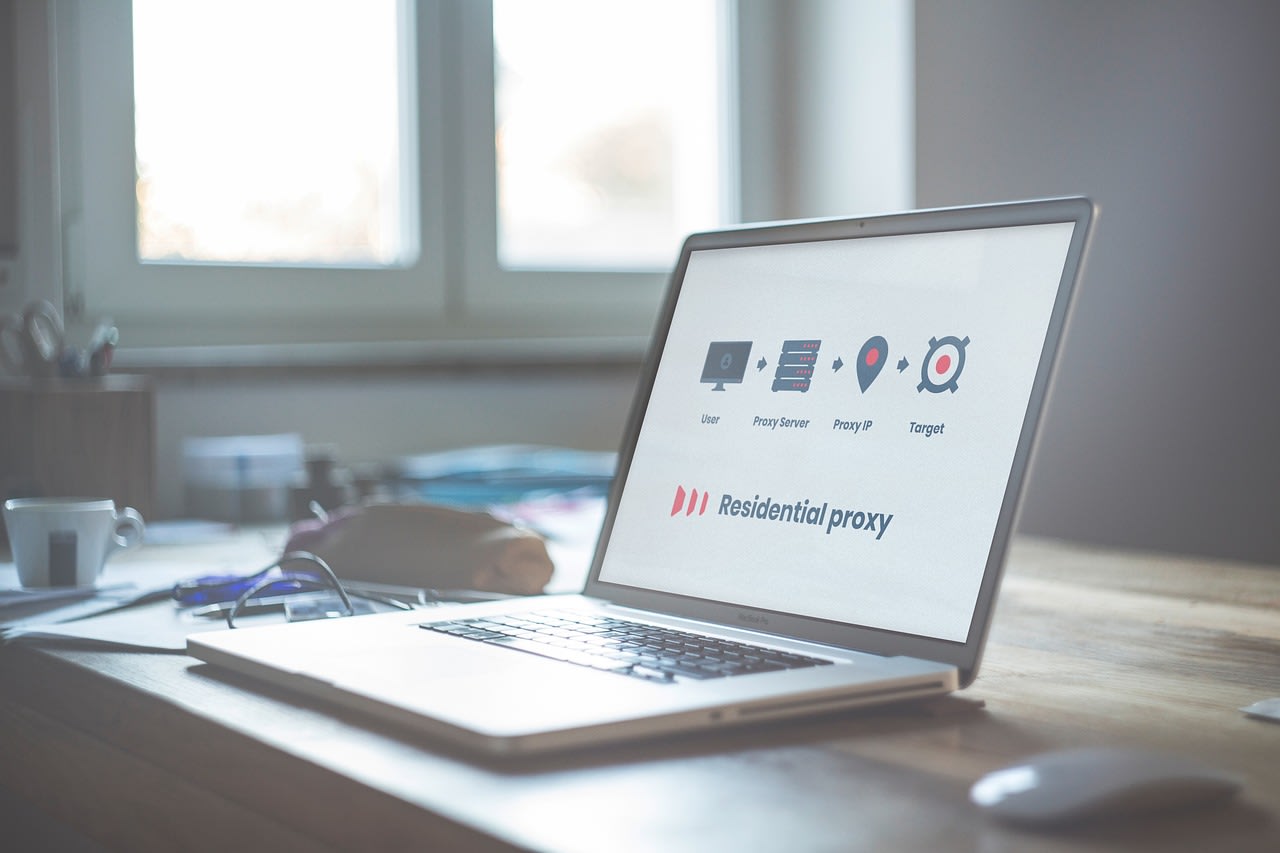
Everyone talks about using proxies for web scraping, but most advice is terrible for legal documents. Residential proxies? Too slow for time-sensitive work. Datacenter proxies? Often already blocked by court systems. Free proxies? Don't even get me started.
Here's what actually works, based on my experience archiving similar documents:
First, you need geographic diversity. Court systems often have different rate limits for different regions. I've found that using proxies from the same state as the court can sometimes get you better access—counterintuitive, but true. The system might assume you're a local lawyer.
Second, you need smart rotation. Don't just rotate IPs every request—that's a red flag. Instead, mimic human behavior. Stay on one IP for 10-15 minutes, download a reasonable number of documents (say, 20-30), then switch. Add random delays between requests. Vary your user agents, but don't go crazy with obscure browsers. Stick to recent Chrome and Firefox versions—what actual lawyers would use.
Third, consider the timing. Court websites are often maintained during business hours. Try scraping late at night or early morning in the court's timezone. The systems are more stable, and there's less competition for bandwidth. I've had 3x better success rates scraping at 2 AM than at 2 PM.
Tool Selection: What Works for Legal Document Archiving
The Reddit discussion mentioned several approaches, but let me give you the real breakdown from someone who's done this professionally.
For individual researchers, Python with BeautifulSoup and Requests is still the gold standard. It's flexible, and you can customize everything. But here's the pro tip most tutorials miss: you need to handle PDFs properly. Court documents are often scanned PDFs, not text-based. You'll need OCR (optical character recognition) to make them searchable. Tesseract works, but for legal documents with weird formatting, ABBYY FineReader is worth the investment.
For teams or larger projects, you need something more robust. That's where platforms like Apify come in handy. They handle the infrastructure—proxy rotation, CAPTCHA solving, error handling—so you can focus on what matters: getting the documents. Their ready-made scrapers can often be adapted for court websites, saving you days of development time.
And sometimes, the best tool is a human. For particularly tricky systems, I've hired specialists on Fiverr to build custom scrapers. Look for freelancers with specific experience in legal or government website scraping—they know the peculiarities that general web scrapers don't.
Storage and Organization: What Comes After the Scrape
This is where most archival projects fail. You've got 50,000 PDFs—now what? Without proper organization, the data is useless.
First, metadata is everything. For legal documents, you need to capture: case number, filing date, document type, parties involved, and the original URL. I create a CSV alongside the PDFs with all this information. Some court websites provide metadata in hidden HTML fields—always check the page source before you start scraping.
Second, checksums. Generate MD5 or SHA-256 hashes for every file. This serves two purposes: it helps you identify duplicates (common in court systems where documents get re-uploaded), and it provides cryptographic proof that your copies haven't been altered.
Third, consider the physical storage. PDFs from court scans can be huge. A single case might be 100GB+. You'll need serious storage. I recommend a NAS system like Synology DiskStation for local storage, plus cloud backup. Backblaze B2 is cost-effective for large archives.
The Ethical and Legal Considerations

This is the part most technical guides skip, but it's crucial. Just because you can scrape something doesn't mean you should.
Public court documents are generally fair game—they're, well, public. But there are boundaries. Don't hammer servers to the point of taking them down. That hurts everyone, including other researchers and the public. Implement rate limiting in your code, even if the website doesn't enforce it.
More importantly, consider what you do with the data. Unredacted documents might contain sensitive personal information—social security numbers, addresses, phone numbers. Have a plan for handling this responsibly. Some archival groups create cleaned versions for public distribution while keeping the originals in secure, access-controlled archives.
And remember: just because information was briefly unredacted doesn't mean it's legal to distribute. Consult with legal experts if you're planning to publish. I've seen well-intentioned projects get hit with takedown notices because they didn't understand the difference between "technically accessible" and "cleared for publication."
Common Mistakes and How to Avoid Them
Let me save you some pain by sharing mistakes I've made (or seen others make):
Mistake #1: Not verifying completeness. You think you've downloaded everything, but you missed the attachments. Court filings often have exhibits—sometimes hundreds of pages—linked separately. Always check for "Attachment 1," "Exhibit A," etc. I now write scrapers that specifically look for these patterns.
Mistake #2: Ignoring the docket sheet. The individual documents matter, but so does the docket—the chronological list of everything filed in the case. It's the roadmap. Scrape it first, use it to generate your scraping list, and reference it during organization.
Mistake #3: Assuming consistency. Court websites change. A scraper that worked yesterday might fail today. Build in validation checks. If your success rate drops below 95%, pause and investigate. Have a fallback plan—sometimes manual downloading is necessary for the last few documents.
Mistake #4: Poor error handling. Network timeouts are inevitable. Don't just crash—log the error, skip that document, and continue. Implement retry logic with exponential backoff. I usually try three times with increasing delays before giving up on a specific document.
Building a Sustainable Archival Practice
One-time document dumps like the Epstein files get attention, but the real work is ongoing. Many important legal documents are released with little fanfare and disappear just as quietly.
Consider setting up monitoring. Tools can watch for new filings in specific cases or from specific parties. You can use RSS feeds if the court offers them (some do), or set up periodic scraping of docket pages. The key is automation—you shouldn't be manually checking every day.
Also, think about collaboration. The r/DataHoarder community understands this instinctively. No single person can archive everything. Work with others. Share techniques, not just data. I'm part of several groups where we divide courts by jurisdiction—one person handles New York Southern District, another handles California Central, etc.
Finally, document your process. Write clear README files with your code. Explain where the data came from, how it was collected, any issues encountered. Future researchers (including future you) will thank you. I can't tell you how many times I've found old archives with no documentation, making them nearly useless.
The Future of Legal Document Archiving
Looking ahead to 2025 and beyond, I see both challenges and opportunities. Courts are slowly modernizing, which could mean better APIs—or more sophisticated blocking of scrapers. The move toward electronic filing is generally good for preservation, but it also means more documents are born digital and can be altered or removed entirely.
AI tools are becoming more capable at parsing legal documents, identifying redactions, and connecting related filings. This could revolutionize how we organize and search these archives. But the fundamental need—capturing the data before it disappears—remains the same.
The recent discussions about the Epstein files highlight something important: public interest in legal transparency isn't going away. If anything, it's growing. And as more people realize how fragile digital legal records can be, the archiving community will only become more essential.
So the next time you see a headline about unredacted legal documents, don't just read the article. Think about the data. Consider what might be lost if no one acts. And maybe—just maybe—fire up your scraping tools. Because sometimes, preserving history isn't about grand gestures. It's about writing a few lines of code that run in the middle of the night, quietly saving what others might let disappear.
