


Introduction: When a Public Resource Goes Dark
Imagine a world where a foundational reference work—used by students, journalists, researchers, and curious minds for decades—simply vanishes from the live web. That's exactly what's happening in 2026 with the CIA World Factbook. For years, it's been a surprisingly open, detailed, and regularly updated compendium of country profiles. Its pending deprecation isn't just a loss of data; it's a test case for our collective responsibility to preserve public digital knowledge. And that's where the Kiwix project stepped in, creating what might be the definitive offline archive. But this story isn't just about them. It's a blueprint. It's about the tools, the mindset, and the technical know-how you need to identify and rescue valuable data before it's gone for good. Let's break down exactly what happened, why it matters to you, and how you can apply these lessons to your own archiving projects.
The Unlikely Legacy of the CIA World Factbook
First, some context. The CIA World Factbook has always been a bit of an odd duck. Published by a U.S. intelligence agency, it was nonetheless one of the most accessible and factual resources on global geography, demographics, governments, and economies. Its neutrality and consistency made it a staple. Teachers used it for projects. Developers pulled its data for apps. Its retirement signals a shift—maybe towards more dynamic, less centralized data sources, or perhaps just bureaucratic streamlining. But the reason doesn't really matter to the archivist. The outcome does: a link rot event waiting to happen.
From a data hoarder's perspective, the Factbook was a dream target. It was structured, largely static between updates, and comprehensive. Its value wasn't in flashy graphics, but in dense, textual information—exactly the kind of content that benefits most from offline preservation. When the official announcement of its deprecation hit forums like r/DataHoarder, it triggered a specific kind of alert. This wasn't about backing up your personal photos. This was about a communal resource, a piece of the internet's shared memory. The clock started ticking, and the race to make a "last copy" began.
Kiwix: More Than Just an "Offline Internet" Player
The Reddit post rightly notes that Kiwix's core mission is the "offline internet." You probably know them for their work with Wikipedia, allowing entire encyclopedias to be stored on a USB stick. But their intervention here is a perfect example of mission creep in the best possible way. Kiwix doesn't just save web pages; it packages them into highly compressed, searchable, and browsable .ZIM files. This format is the secret sauce.
Think about the difference between a folder full of HTML files and a true offline replica. The ZIM file preserves the site's structure, internal links, and often the images, all while being incredibly space-efficient. For the Factbook, this means you can navigate between country profiles, use the search function, and have an experience nearly identical to the original website—all without an internet connection. Kiwix's archive, now available in their library, isn't a backup. It's a functional snapshot. This approach is critical for complex sites where context and interconnection are part of the data's value. You're not just saving facts; you're saving the system that organized them.
The Technical Nuts and Bolts of Archiving at Scale

So, how do you actually grab a site like the Factbook before it disappears? You can't just hit "Save Page As" on a thousand pages. This is where web scraping and archiving tools come into play. While Kiwix uses its own sophisticated pipeline, the principles apply to any major archiving project.
First, you need a crawler that can respectfully but thoroughly traverse the entire site structure. It must follow every link within the target domain, understand pagination, and handle any interactive elements that might be needed to reveal content (though the Factbook was largely static). You also need to manage request rates to avoid overwhelming the server—being a good digital citizen is key, even when archiving a doomed site. Then comes the transformation: turning those fetched HTML, CSS, and image files into a unified, portable package. Tools like wget with the `--mirror` option are a classic starting point for simpler sites, but for something as polished as a Kiwix ZIM, you're looking at custom software built for this exact purpose.
If you're not looking to build your own archiving suite from scratch, platforms exist to handle the heavy lifting. For instance, you could use a service like Apify to build or use a pre-made "actor" (their term for a cloud scraper) to systematically crawl and extract the content from a target website. It handles proxy rotation, headless browsers for JavaScript-heavy sites, and can output structured data or full HTML snapshots, which you could then package yourself. It's a powerful middle ground between manual scraping and a full-blown project like Kiwix.
Why Proxies and Scraping Ethics Are Non-Negotiable
Any discussion about large-scale data collection has to address the elephant in the room: proxies and ethics. When you're scraping a public website, even for preservation, you're generating server load. Using a single IP address to request thousands of pages in quick succession can get you blocked—fairly—for looking like a denial-of-service attack or a malicious bot.
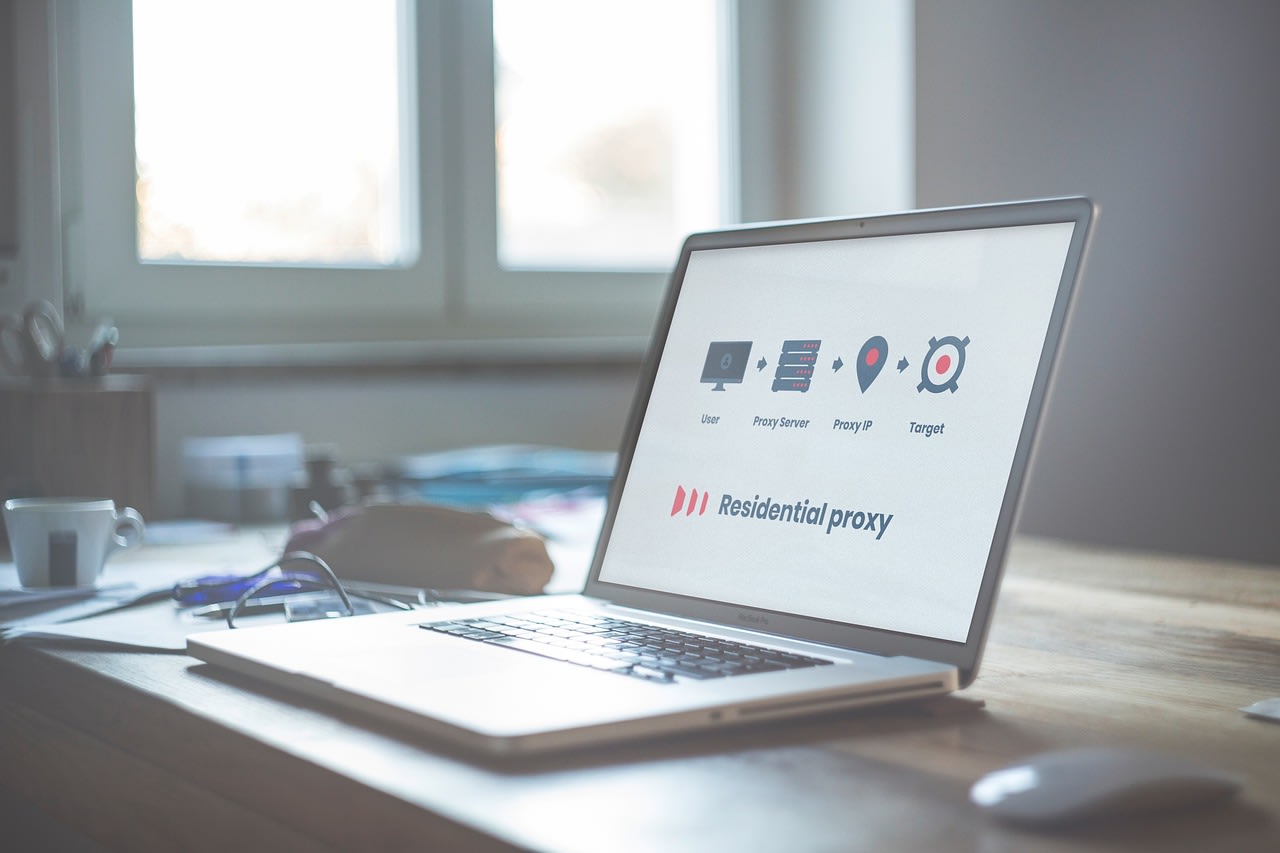
This is where proxy networks become a technical necessity, not just a tool for anonymity. A good proxy setup rotates your requests through different IP addresses, mimicking organic traffic and staying within the site's acceptable use limits. It's about preservation through stealth and respect. The goal isn't to steal data; it's to save it without harming the source in its final days. For a project like archiving the Factbook, this ethical dimension is crucial. You're acting as a digital librarian, not a data thief. Your tools should reflect that intent. Always check `robots.txt`, throttle your requests, and ideally, scrape during off-peak hours for the site's hosting region. These aren't just tips; they're the hallmarks of a responsible archivist.
Building Your Own Preservation Toolkit for 2026
Inspired by the Kiwix example? Let's talk about what you'd need in your own digital preservation toolkit. The landscape in 2026 offers more options than ever, but they fall into a few categories.
For the command-line warrior, `wget` and `httrack` remain incredibly powerful and free. They're perfect for creating local mirrors of sites. For more control and parsing, Python libraries like `BeautifulSoup` and `Scrapy` are the industry standards. They let you extract clean data and structure it as you see fit. But if you want an all-in-one graphical solution, look at tools like WebCopy or SiteSucker. They make the process more approachable.
Don't forget storage and organization. A messy archive is barely better than no archive. I recommend a clear naming convention and a README file that documents exactly when, how, and from what source you captured the data. For physical storage, consider reliable, high-capacity external drives. I've had great luck with Western Digital My Book Desktop Hard Drive for bulk archiving—they're built for durability. Also, think about checksums and verification. Tools like `md5deep` can generate hashes for your files, so you can verify their integrity years later and ensure no bit rot has occurred.
Beyond the Factbook: What Else Needs Saving?

The CIA World Factbook is a high-profile case, but it's just the tip of the melting iceberg. In 2026, link rot and digital decay are accelerating. Think about government reports that change with political administrations, small independent news sites that shutter, niche forums filled with expert knowledge, or even social media threads that document historical events. These are all at risk.
Your mission, should you choose to accept it, is to identify the vulnerable data in your own sphere of interest. Is there a blog you reference constantly run by one aging enthusiast? A dataset published by a university lab that might not be maintained? Start there. The techniques are the same. The key is proactive thinking. Don't wait for the "This site will be closing" notice. By then, it might be too late to do a clean, complete crawl. If you use a service and think, "I'd be lost if this disappeared," that's your cue. Make a copy. It's not paranoid; it's prudent.
Common Pitfalls and Your Archiving FAQs
Let's tackle some real questions that come up when people start these projects.
"Isn't this illegal?" Generally, scraping publicly available data for personal archival use falls under fair use, especially for non-commercial purposes. However, always review a site's Terms of Service. The legal grey area typically involves republishing the data or using it commercially. Preservation for personal reference is usually on solid ground.
"The site uses infinite scroll/login walls. How do I scrape it?" This is where simple tools fail. You need a scraper that can execute JavaScript and simulate user interaction. This is where a platform with headless browser capabilities, like the one mentioned earlier, or writing a script using Puppeteer or Selenium, becomes essential. It's more complex, but often the only way to get at the real content.
"How do I organize terabytes of archived data?" This is the real challenge. Metadata is king. Create a master index spreadsheet or database that logs what you have, the source URL, the date archived, and the file path. Use consistent directory structures. And please, for the love of all that is holy, test your archives periodically. An unreadable backup is no backup at all.
"I'm not a programmer. Can I still do this?" Absolutely. The graphical tools mentioned can handle many sites. For more complex jobs, you can hire a freelance developer on Fiverr to write a custom scraper for a specific site. Be clear about your goals ("I want a complete, offline copy of this website") and your ethical boundaries ("Please throttle requests and respect robots.txt"). A few hundred dollars can preserve a resource worth far more.
The Human Element: Why Offline Access Still Matters
In our always-online world, it's easy to ask: why bother? The cloud is forever, right? Wrong. Services get bought and sunset. Domains expire. Funding dries up. Political climates change, and information gets memory-holed. Offline access is about resilience and independence.
The Kiwix archive of the Factbook means that a student in a remote village with limited internet, a researcher on a ship, or a journalist in a region with censorship can still access this body of knowledge. It democratizes information. When you undertake an archiving project, you're not just hoarding data. You're building a tiny fortress against entropy and oblivion. You're ensuring that a piece of our collective understanding doesn't flicker out simply because a server got unplugged.
Conclusion: Your Turn to Be a Digital Steward
The story of the CIA World Factbook and Kiwix is a success story—a last-second save. But it should also be a wake-up call. We can't rely on organizations, even well-intentioned ones like Kiwix, to save everything. Digital preservation is a distributed responsibility.
Start small. Pick one website, one dataset, one forum that matters to you. Use the tools and techniques we've discussed. Learn the process. Make your own ZIM file, or your own neatly organized folder of HTML. Share your findings with communities like r/DataHoarder. The infrastructure for saving our digital commons exists. What's needed now is the will to use it. The next vulnerable resource might not be as famous as the CIA World Factbook, but to someone, somewhere, it will be just as important. Will you be the one who saved it?
