


That Sinking Feeling: When Your Data Pipeline Implodes
You know the moment. You've been running a scraping job for days—maybe weeks. It's humming along, collecting terabytes of precious data. Then you check the logs. Error 403. IP banned. Connection refused. And there it is: that visceral, gut-punch reaction perfectly captured in the now-iconic Reddit post title: "JESUS CHRIST, NOOOOOOO."
In 2026, data hoarding isn't just a hobby—it's a critical infrastructure for researchers, businesses, and archivists. When your scraping pipeline breaks, it's not just an inconvenience. It's potentially losing historical data, breaking automated systems, and watching hours of work evaporate. This article isn't about basic scraping tutorials. It's about building systems resilient enough to survive the internet's constant evolution and aggressive anti-bot measures.
We're going to dissect exactly what goes wrong, why it feels so catastrophic, and how you can architect your data collection to avoid ever having that moment again. Because let's be honest—we've all been there, staring at a failed script and wondering if we should just take up gardening instead.
Anatomy of a Data Disaster: What Actually Breaks
So what triggers the "JESUS CHRIST, NOOOOOOO" moment? It's rarely one thing. Usually, it's a cascade failure. Maybe your residential proxy pool gets blacklisted overnight. Perhaps the target site rolled out a new JavaScript framework that breaks your selectors. Or maybe Cloudflare just decided your traffic pattern looks a little too... systematic.
The Reddit discussion highlighted several specific pain points. People talked about losing "months of work" when a single API change went unnoticed. Others described elaborate scraping setups that collapsed because they relied on a single point of failure—one proxy provider, one parsing method, one data storage solution. The worst stories? When people realized their backup systems weren't actually backing up the right data, or when rate limiting kicked in after 95% completion of a massive job.
Here's what's interesting: the emotional response is disproportionate to the technical problem. A failed script is fixable. But what people are really reacting to is the uncertainty. Did I lose unique data that can't be reacquired? How much manual work will recovery take? Will the target site now permanently flag my infrastructure? That uncertainty is what turns a technical glitch into a genuine nightmare.
The Proxy Problem: Your First Line of Defense (and Failure)
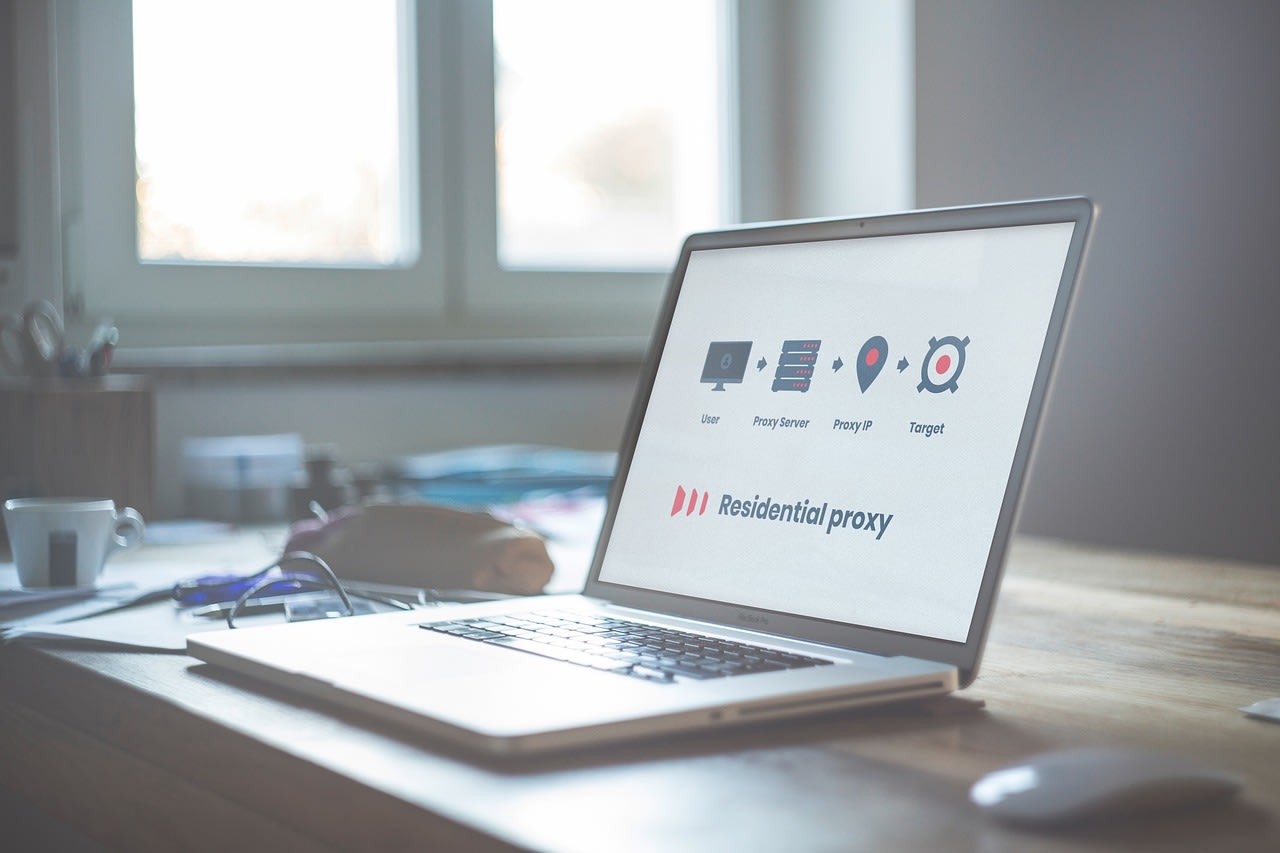
Let's talk about the elephant in the room: proxies. They're simultaneously your most important tool and your most likely point of failure. The discussion thread was filled with proxy horror stories—datacenter IPs that get blocked instantly, residential proxies that cost a fortune and still fail, and the eternal struggle of maintaining IP rotation that actually works.
In 2026, the proxy landscape has gotten both better and worse. Better because there are more options than ever. Worse because websites have gotten frighteningly good at detecting even sophisticated proxy networks. I've tested dozens of these services, and here's the uncomfortable truth: there's no perfect solution. Every proxy type has trade-offs.
Datacenter proxies are fast and cheap but get blocked easily. Residential proxies (from services like Bright Data, Oxylabs, or Smartproxy) have higher success rates but can be slow and expensive. Mobile proxies are great for certain apps but impractical for large-scale scraping. And then there's the ethical dimension—some residential proxy networks are, frankly, sketchy in how they acquire their IPs.
My approach? Diversify. Don't put all your eggs in one proxy basket. Have fallbacks. And most importantly, implement intelligent proxy rotation that responds to failure rates in real-time. If one proxy pool starts hitting 50% failure rates, your system should automatically throttle it back and shift traffic elsewhere.
Beyond Proxies: The Other Ways Websites Fight Back

Proxies are just one piece of the puzzle. Modern anti-bot systems are multilayered monsters. They look at your TLS fingerprint, your browser headers, your mouse movements (even in headless browsers!), your request timing, and your behavioral patterns. I've seen sites that allow the first 100 requests perfectly, then suddenly serve completely different HTML structure on request 101 to trap naive parsers.
JavaScript challenges are particularly nasty. More sites are moving critical content behind client-side rendering, which means your scraper needs to execute JavaScript just like a real browser. This isn't just about loading React apps anymore—it's about obfuscated code that fingerprints your environment and serves different content based on what it detects.
Then there's the API problem. Many scrapers target public APIs because they're cleaner than parsing HTML. But APIs change without notice. Version numbers increment. Rate limits tighten. Authentication methods evolve. One commenter in the thread put it perfectly: "I built my entire business logic around an API that just... vanished one Tuesday. No deprecation notice. Just 404s."
The solution? Assume everything will change. Build scrapers that validate their own success. If your data extraction suddenly returns empty results, that should trigger an alert, not silent failure. Implement regular "smoke tests" that verify your pipelines are still working end-to-end.
Architecting for Resilience: Building Systems That Fail Gracefully
Okay, so everything breaks eventually. The goal isn't perfection—it's resilience. How do you build a scraping system that fails gracefully and recovers automatically? Let me share what I've learned from maintaining large-scale scraping operations.
First, idempotency is your best friend. Design your jobs so they can be restarted from any point without creating duplicates or missing data. This usually means tracking exactly what you've collected and what remains. Simple? Conceptually, yes. In practice, it requires careful database design and state management.
Second, implement circuit breakers. If a target site starts returning errors, your system should back off exponentially. Don't just hammer a broken endpoint—that's how you get permanently banned. A good pattern: after 5 failures, wait 1 minute. After 10 failures, wait 5 minutes. After 20 failures, alert a human and pause entirely.
Third, version your parsers and configurations. When a site changes, you should be able to roll back to a previous working version while you fix the new parser. This is where many hobbyist scrapers fail—they edit their only copy of the script and have nowhere to retreat when their changes don't work.
Finally, consider using a platform that handles this infrastructure for you. Apify has built-in proxy rotation, retry logic, and monitoring that would take months to build yourself. Their actor system lets you version and deploy scrapers like microservices. Is it necessary for small projects? Maybe not. But when you're dealing with mission-critical data collection, not reinventing the wheel can save your sanity.
The Backup Paradox: Are You Actually Backing Up What Matters?
Here's a painful truth from the Reddit discussion: many people who thought they had backups... didn't. They backed up their scripts but not their data. Or they backed up their data but not the metadata needed to resume interrupted jobs. Or their "backup" was on the same hard drive that failed.
Real backup strategies for scraping operations need to address several layers:
- Raw HTML/JSON responses: Store these before parsing. If your parser breaks, you can reparse later without re-fetching.
- Parsed data: The clean, structured output.
- Job state: What URLs were visited, what succeeded, what failed.
- Configuration: The exact proxy settings, headers, and parameters used.
I recommend the 3-2-1 rule: three copies of your data, on two different media, with one offsite. For scraped data, this might mean local SSD storage plus cloud storage (like S3 or Backblaze) plus archival storage (like Glacier). The cost of cloud storage is trivial compared to the cost of recollecting lost data.
And here's a pro tip: backup your failures too. When you get blocked, when you get CAPTCHAs, when you get weird responses—log these with timestamps and IPs. This data becomes invaluable for understanding patterns and improving your system.
When to Go Manual: The Human Fallback

Automation is great until it isn't. Sometimes, the most resilient system includes a human in the loop. When your automated scraping hits a wall—a new CAPTCHA system, a complete site redesign, legal concerns—having a manual process can save the day.
This doesn't mean clicking through websites yourself for hours. It means having contingency plans. Maybe you need to hire a developer on Fiverr to quickly build a workaround for a new anti-bot measure. Or perhaps you need to contact the website owner for API access (yes, this sometimes works!).
I keep a "break glass" checklist for when major scraping pipelines fail:
- Can I access the data through alternative means (mobile app, different subdomain, API)?
- Is this a temporary block (wait a few hours) or permanent (need new infrastructure)?
- What's the minimum viable data I need right now versus what can wait?
- Should I switch to a different data source entirely?
Sometimes, the answer is to pause, assess, and approach the problem differently rather than throwing more technical solutions at it.
Common Mistakes That Lead to Disaster (And How to Avoid Them)
Let's get practical. Based on the Reddit discussion and my own experience, here are the most common pitfalls:
Mistake #1: No monitoring. Your scraper runs silently for weeks, then fails on day 18. You don't notice until day 30. Solution: Set up simple alerts. Even a daily "heartbeat" email confirming data was collected can save you.
Mistake #2: Hardcoded selectors. You write XPaths or CSS selectors that work today. The site redesigns tomorrow. Solution: Use multiple selectors with fallbacks. Test regularly. Better yet, use visual AI tools or diffing to detect layout changes automatically.
Mistake #3: Assuming consistency. "The API returns JSON, so it will always return JSON." Famous last words. Solution: Validate response structure before parsing. If the content-type changes or the schema differs, fail fast and log the issue.
Mistake #4: No rate limiting. You blast a site with 100 requests per second. You get banned. Your entire IP range gets banned. Solution: Implement respectful delays. Mimic human browsing patterns. Vary your request timing randomly.
Mistake #5: Single point of failure. One proxy provider. One server. One storage location. Solution: Design for redundancy at every layer. It costs more, but losing data costs more.
The Legal and Ethical Minefield (Yes, It Matters)
We can't talk about scraping in 2026 without addressing the legal landscape. It's gotten more complicated, not less. The Reddit discussion touched on this—people worrying about terms of service violations, copyright issues, and even potential legal action.
I'm not a lawyer, but here's what I've learned: context matters. Scraping publicly available data for personal archival is generally low-risk. Scraping to create a competing commercial service? Much higher risk. The key factors courts consider: whether you're bypassing authentication, whether you're causing harm to the service, and whether you're violating explicit terms.
Ethically, I follow a simple rule: don't be a jerk. If a site has a public API, use it. If they ask you to stop, stop. If your scraping would negatively impact their service (through bandwidth costs or performance issues), throttle back or find another way. This isn't just about being nice—it's about preserving access for everyone.
For those working with sensitive data, consider investing in proper legal advice. A few hundred dollars for a consultation could save you from much bigger problems down the line.
Tools of the Trade: What's in Your Arsenal?
Finally, let's talk about specific tools. The right tool won't prevent all failures, but it can make recovery much easier. Here's my current toolkit for resilient scraping in 2026:
For browser automation, Playwright has largely overtaken Puppeteer and Selenium for me. Its auto-waiting and network interception features are fantastic for dealing with modern web apps. For parsing, BeautifulSoup 4 is still reliable, but I'm increasingly using Parsel (from Scrapy) for its CSS and XPath hybrid approach.
For scheduling and orchestration, Apache Airflow or Prefect can manage complex dependencies between scraping jobs. For storage, PostgreSQL with TimescaleDB extension handles time-series scraped data beautifully. And for one-off jobs? Sometimes a simple Python script with requests and lxml is all you need.
Don't forget hardware considerations either. Running headless browsers at scale requires proper resources. RAM for Scraping Servers can make the difference between a job completing in hours versus days. And reliable storage is non-negotiable—consider SSD Storage for your working datasets.
Moving From Panic to Preparedness
That "JESUS CHRIST, NOOOOOOO" moment will probably happen to you eventually. The internet is a moving target, and scraping is fundamentally fragile. But it doesn't have to be catastrophic.
The difference between amateurs and professionals isn't that professionals never fail—it's that they expect failure and build systems accordingly. They have monitoring. They have backups. They have fallbacks. They design for idempotency and resilience. When something breaks, they have playbooks rather than panic.
Start small. Add one resilience feature to your next scraping project. Maybe it's logging job state to a database instead of a text file. Maybe it's setting up a simple alert when no data is collected for 24 hours. Maybe it's just backing up your raw responses before parsing.
Each layer of protection moves you further from that moment of panic and closer to calm confidence. Because in the end, data hoarding shouldn't be about anxiety. It should be about preservation, insight, and building something valuable. And you can't do any of that when you're too busy screaming at your monitor.
