


Introduction: The Panic Button Has Been Pressed
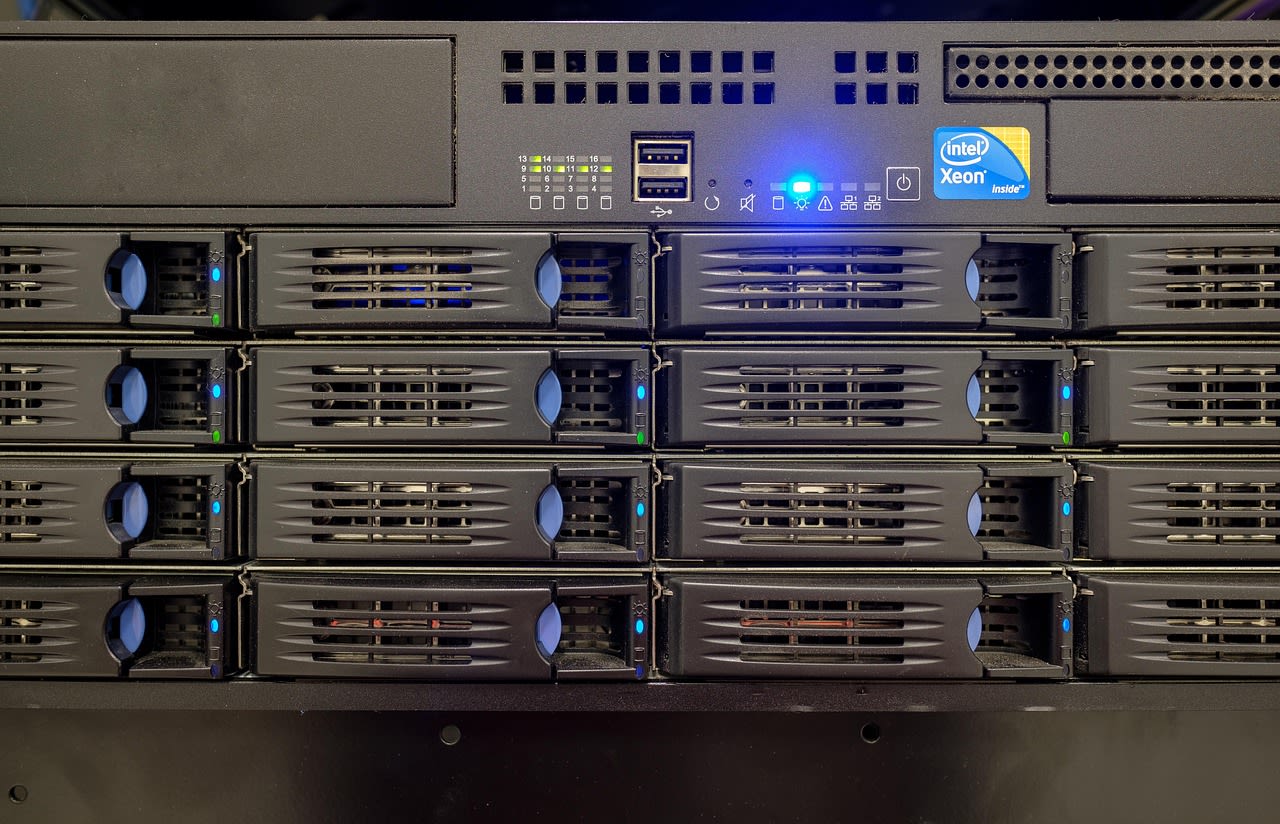
You've seen the headline. Maybe you read the original Reddit post that's been making the rounds in every IT Slack and Teams channel. "WD and Seagate confirm: Hard drives for 2026 sold out." That single sentence from Heise.de has triggered what feels like a collective heart attack across the sysadmin community. The immediate reaction? Pure, unadulterated panic. "How the fuck is this gonna work for corporate refreshes now?" one admin posted, capturing the sentiment perfectly. This isn't some theoretical supply chain hiccup—it's a fundamental disruption to how we've built storage infrastructure for decades. And if you're responsible for keeping data accessible and systems running, you need to understand what this really means beyond the sensational headlines.
The Reality Behind the Headline: What "Sold Out" Actually Means
First, let's cut through the noise. When WD and Seagate say "sold out for 2026," they're not talking about retail shelves at Best Buy. They're referring to their allocation models for enterprise and data center customers. What's happened is that hyperscalers—your Amazons, Googles, and Microsofts—have essentially bought up the entire production pipeline through contractual agreements. They saw this coming years ago and locked in supply. Meanwhile, the rest of us are left scrambling.
The timing couldn't be worse. Many organizations are in the middle of 3-5 year refresh cycles planned around traditional HDD economics. Budgets were set, projects were approved, and now the hardware simply won't be available. This creates a domino effect: without new drives, you can't refresh aging storage arrays. Without refreshed arrays, you're running on hardware that's increasingly unreliable and inefficient. And without reliable storage, well, everything falls apart.
But here's what most people are missing: this isn't just about hard drives. It's about the entire storage ecosystem. Controllers, enclosures, power supplies—all designed around specific drive form factors and interfaces. Moving away from HDDs means rethinking the entire stack, not just swapping out components.
Why This Was Inevitable (And Why SSDs Aren't a Simple Fix)
If you've been paying attention to storage trends for the last five years, this news shouldn't come as a complete shock. The writing's been on the wall. HDD sales have been declining steadily as SSD prices have dropped. What changed was the acceleration—the timeline compressed dramatically. Manufacturers have been shifting production capacity to SSDs because that's where the margin and demand are. HDDs became the low-margin, high-volume business that nobody wanted to invest in anymore.
So why not just switch everything to SSDs? On paper, it sounds perfect: faster, more reliable, lower power consumption. But the reality is more complicated. Cost per terabyte still favors HDDs for bulk storage, especially at scale. A 20TB HDD might cost $300, while a comparable SSD could be $1,500 or more. Multiply that across petabytes of data, and the math gets painful fast.
Then there's the endurance question. While modern enterprise SSDs are incredibly durable, they still have write endurance limits that matter for certain workloads. And let's not forget about compatibility—legacy systems expecting specific drive behaviors can fail in subtle, maddening ways with SSDs. I've seen backup systems that worked perfectly with HDDs choke on SSDs because of how they handle write caching.
The Immediate Impact: Corporate Refreshes in Crisis
Let's talk about the elephant in the server room: those corporate refresh cycles. You know the drill—every 3-5 years, you replace aging hardware before it fails. It's predictable, it's budgetable, and it's suddenly impossible for 2026. The Reddit discussion highlighted exactly this pain point: "We have 500 servers scheduled for refresh next year. What am I supposed to tell management?"
The first wave of impact hits procurement teams. They're used to getting quotes, comparing vendors, negotiating prices. Now they're getting straight "no allocation available" responses. No negotiation, no alternatives—just no. This creates immediate pressure on existing hardware. Do you extend support contracts on gear that's already out of warranty? Do you risk running hardware past its recommended lifespan?
Then there's the capacity planning nightmare. Storage growth doesn't pause because drives aren't available. Your users keep creating files, your applications keep generating logs, your databases keep expanding. Without new drives, you're forced into triage mode: deleting, archiving, compressing. It's storage austerity, and nobody's happy about it.
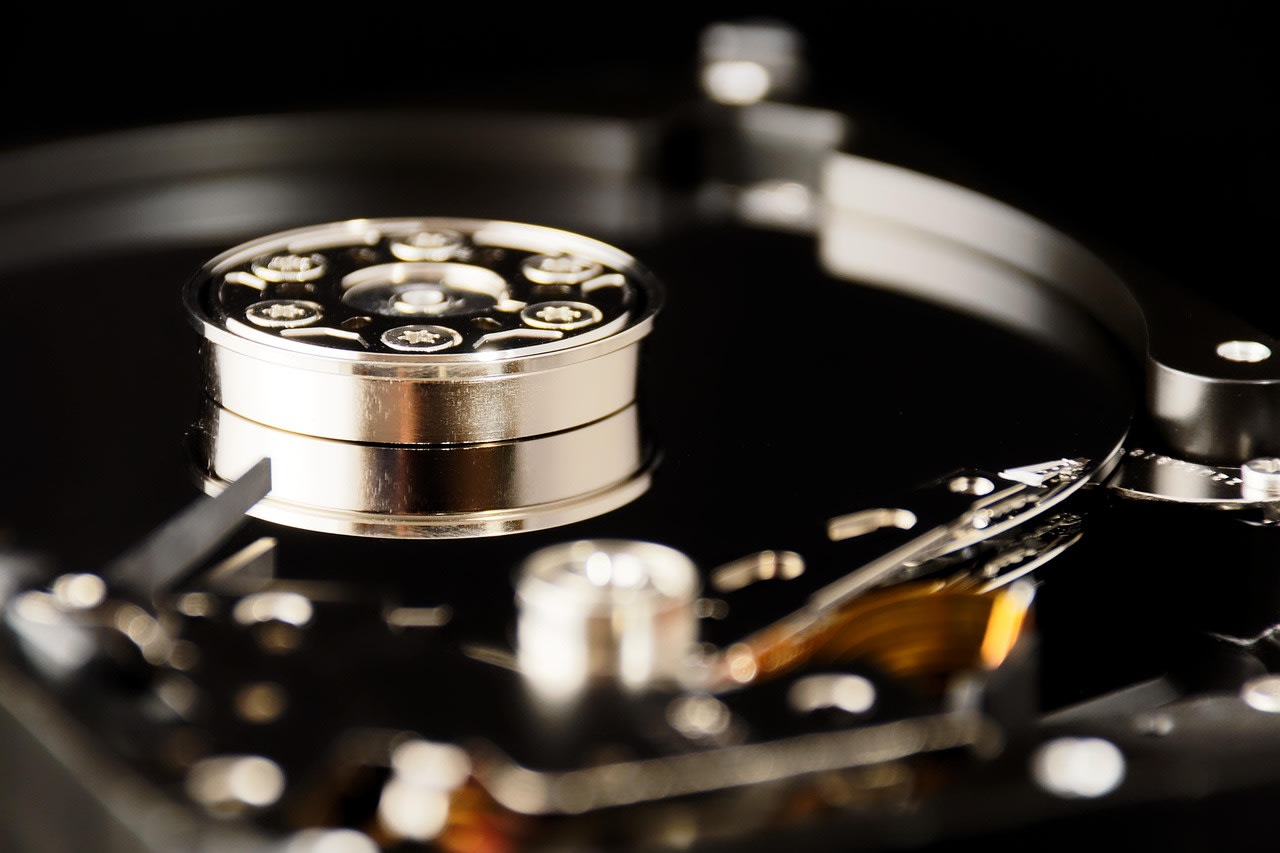
Worst case scenario? You start seeing actual failures. Those 40,000-hour MTBF drives? They're hitting their limits. And when they fail, you can't replace them with identical units. You're stuck with whatever you can scavenge from decommissioned systems or pay exorbitant prices for on the gray market.
Automation as Your First Line of Defense
Here's where the DevOps and automation mindset becomes your superpower. When you can't throw hardware at a problem, you have to get smarter about how you use what you have. This crisis is forcing exactly that kind of thinking.
Start with data lifecycle automation. Most organizations are sitting on petabytes of cold data—stuff that hasn't been accessed in years but nobody wants to delete. Implement automated tiering policies that move data based on actual usage patterns. Tools like AWS S3 Intelligent-Tiering or Azure Blob Storage lifecycle management can do this automatically, but you can build similar logic for on-prem systems using scripts and monitoring.
Next, look at deduplication and compression. I've seen environments where aggressive dedupe ratios of 10:1 or better are achievable, especially for backup and archival data. The catch? It requires CPU cycles. But here's the trade-off: use compute to save storage. In 2026, that math suddenly makes a lot more sense.
Infrastructure as Code becomes critical too. When you do get new storage—whether it's SSDs, cloud storage, or whatever alternative you find—you want to be able to provision it consistently and quickly. Terraform modules for storage, Ansible playbooks for configuration, GitOps workflows for policy management—these aren't just nice-to-haves anymore. They're how you stay agile when hardware availability is unpredictable.
Cloud Migration: Not If, But How and When
The obvious knee-jerk reaction is "just move everything to the cloud." And look, for some workloads, that's absolutely the right answer. But anyone who's done large-scale migrations knows it's never that simple. The cloud is someone else's computer, and you're paying for the privilege every month.
The real question isn't whether to use cloud storage, but which data belongs there. Hot data that needs fast access? Maybe keep that on-prem with whatever high-performance storage you can get. Warm data accessed occasionally? Hybrid cloud storage gateways can help here. Cold data archived for compliance? Object storage in the cloud is perfect and often cheaper than maintaining tape libraries.
What I'm seeing smart teams do is implement what I call "intentional hybrid." They're not just randomly moving things to the cloud—they're creating clear policies based on access patterns, compliance requirements, and cost. They're using tools to automatically move data between tiers based on those policies. And they're building their applications to be storage-agnostic from the start.
One pro tip: don't forget about egress costs. It's easy to get excited about cheap cloud storage until you need to get your data back out. Design for data locality. Keep processing near the data. Use CDNs for frequently accessed content. These aren't new concepts, but they become critical when every byte movement costs real money.
Alternative Hardware Strategies: Thinking Outside the 3.5" Bay
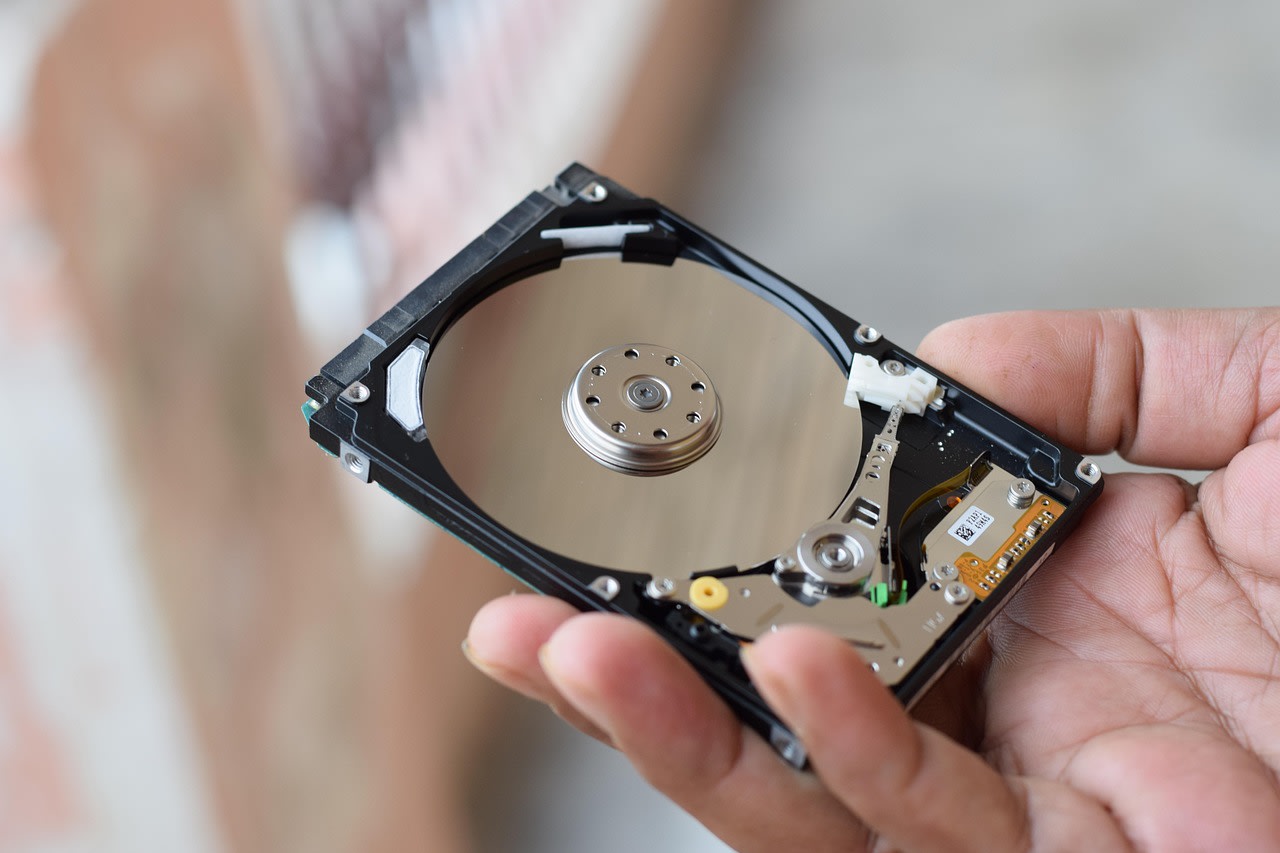
When traditional supply chains fail, you need to get creative. This might mean looking at vendors you've never considered before. Companies like Toshiba (who still make HDDs) or smaller SSD manufacturers might have allocation when the big players don't. The quality might be different, the support might be different, but availability is the new king.
Another approach: reconsider your entire hardware architecture. NVMe-over-Fabrics lets you disaggregate storage from compute in ways that weren't practical before. Instead of buying servers with local storage, you build a centralized NVMe pool that multiple servers can access at near-local speeds. This changes your refresh strategy completely—you can refresh compute and storage independently based on what's available.
Then there's the used market. I know, I know—buying used enterprise hardware feels wrong. But hear me out: reputable refurbishers often provide better warranties than OEMs on new gear, and the prices are 50-70% lower. For non-mission-critical workloads, this can be a stopgap that buys you time to figure out a longer-term strategy.
Don't overlook form factor changes either. M.2 SSDs, U.2 drives, EDSFF—these newer form factors often have better availability because they're used in different market segments. Yes, you'll need new enclosures and adapters, but sometimes that's easier than finding traditional 2.5" or 3.5" drives.
Software-Defined Storage: Your Secret Weapon
If there's one technology that's perfectly positioned for this crisis, it's software-defined storage (SDS). The whole premise of SDS is abstracting storage functionality from the underlying hardware. When you can't control the hardware, controlling the software becomes your leverage.
Take Ceph, for example. It's designed to run on commodity hardware, mixing and matching different drive types, sizes, and even speeds. You can add whatever drives you can get your hands on, and the system rebalances automatically. The same goes for other SDS solutions like VMware vSAN, Microsoft Storage Spaces Direct, or open-source options like OpenEBS.
The beauty of SDS in this context is heterogeneity. You're no longer locked into buying identical drives from the same vendor. You can use whatever's available—SSDs from one vendor, HDDs from another, maybe even some NVMe drives you found in stock somewhere. The software handles making it all work together.
But here's the catch: SDS requires expertise. It's not plug-and-play. You need to understand concepts like erasure coding, replication factors, failure domains. You need monitoring that understands storage performance at the software layer. And you need to test, test, test—because when things go wrong with SDS, they can go very wrong in very complex ways.
Common Mistakes (And How to Avoid Them)
In crisis mode, people make bad decisions. I've already seen organizations making these mistakes, and you should avoid them at all costs.
First mistake: panic buying. Throwing money at whatever drives you can find, regardless of suitability. This leads to incompatible hardware, wasted budget, and technical debt that'll haunt you for years. Instead, create a decision matrix: what workloads absolutely need new storage immediately versus what can wait or be rearchitected?
Second mistake: ignoring existing capacity. Most organizations use storage incredibly inefficiently. Before you buy anything, do a thorough audit. You'll almost certainly find terabytes—maybe petabytes—of data that can be deleted, archived, or compressed. One team I worked with found 40% of their storage was duplicate VM images. Another found that developers had been keeping full database copies "just in case" for five years.
Third mistake: going all-in on one solution. Whether it's "everything to the cloud" or "only SSDs from now on," extreme positions will bite you. The future is hybrid—different storage for different needs. Plan for diversity in your solutions just like you'd want diversity in your supply chain.
Fourth mistake: forgetting about people. Your team is stressed. They're getting pressure from above, dealing with frustrated users, trying to keep systems running with limited resources. Burnout is real. Make sure you're managing expectations, providing clear priorities, and maybe most importantly—admitting when something just can't be done with the resources available.
The Silver Lining: Forced Innovation
Here's the uncomfortable truth: we've been lazy about storage. For years, we could just add more drives when we needed capacity. It was easy, predictable, and required minimal thought. That era is over, and honestly? It might be for the best.
This crisis is forcing us to think about data differently. To value efficiency over abundance. To architect systems that are flexible and resilient rather than just big. The organizations that survive—and thrive—through this will be the ones that embrace this mindset shift.
We're going to see innovation accelerate in areas like computational storage, where processing happens at the storage layer. We'll see better data management tools emerge. We'll see new business models for storage-as-a-service that make more sense than owning hardware. And we'll become better engineers because of it.
Remember the last major supply chain disruption? It led to containerization, microservices, and cloud-native architectures becoming mainstream. This could be similarly transformative for how we think about and manage data.
What to Do Right Now (Your Action Plan)
Don't just read this and worry. Take action. Here's your 30-day plan:
1. Inventory everything. What storage do you have? What's under warranty? What's failing? What workloads run on it? You can't make smart decisions without this baseline.
2. Talk to your vendors. Not just storage vendors—server vendors, hypervisor vendors, cloud providers. Understand what they're seeing, what alternatives they're offering, what timelines they're working with.
3. Identify your crown jewels. What data and systems absolutely cannot fail? These get priority for whatever new storage you can secure.
4. Start testing alternatives. Get eval units of SDS solutions. Try cloud storage for appropriate workloads. Test different drive types and form factors. Knowledge is power, and right now you need all the power you can get.
5. Communicate with stakeholders. Be honest about the situation. Set realistic expectations. Help them understand that "just buy more drives" isn't an option anymore.
6. Update your disaster recovery plans. Assume some storage will fail and won't be replaceable. How does that change your recovery strategies?
Looking Beyond 2026: The New Normal
Let's be real—this isn't a one-year problem. Even if production ramps up in 2027, the fundamental economics have changed. HDDs will become niche products for specific use cases, not the default bulk storage solution. SSDs will continue to drop in price but will face their own supply challenges as demand skyrockets.
The organizations that will succeed in this new environment are already thinking about it. They're building storage-agnostic applications. They're implementing sophisticated data management policies. They're training their teams on new technologies. They're creating relationships with multiple vendors to avoid single points of failure.
Most importantly, they're changing their mindset from "storage as capacity" to "storage as a strategic resource." Every terabyte matters. Every access pattern is analyzed. Every purchase decision is weighed against multiple alternatives.
This shift was coming eventually. The hard drive shortage of 2026 just accelerated the timeline. The question isn't whether you'll adapt—it's how quickly and how well. The sysadmins and DevOps engineers who embrace this challenge will be the ones leading their organizations into whatever comes next. And honestly? That's kind of exciting.
So take a deep breath. The panic is understandable, but it's not helpful. You've survived worse challenges. You'll survive this one too. And you might just build something better in the process.
