

Introduction: When Crime Scene Photos Become Cybersecurity Lessons
You know that moment when you're scrolling through something completely unrelated and your tech brain just... clicks? That's what happened when photos from the Epstein files started circulating—not the salacious stuff, but the seemingly mundane shots of network equipment in the background. Over on r/hacking, the discussion wasn't about the scandal itself, but about what those photos revealed about the network setup. And honestly? The security failures were almost as shocking as the context. In 2025, we're still learning from these images—not about conspiracy theories, but about real, practical cybersecurity lessons that apply to anyone running a network, whether it's for a business, a home, or something more sinister.
The Original Discovery: What Reddit's Hackers Actually Saw
Let's get specific about what started this whole discussion. The original Reddit post showed several photos where, in the background, you could see networking equipment. We're talking about consumer-grade routers, what appeared to be surveillance system components, and some seriously questionable cable management. The community immediately zoomed in—literally and figuratively. One user enhanced a blurry corner to identify a specific router model. Another spotted what looked like an unsecured wireless access point. The conversation wasn't about the people in the photos, but about the infrastructure supporting whatever was happening there.
What made this discussion so fascinating was the forensic mindset. These weren't casual observers—they were security professionals and hobbyists applying their skills to real-world evidence. They were asking questions like: "What's that device with the blinking lights in the corner?" "Why would they use consumer gear for what should be a secure setup?" "Is that an IP camera system, and if so, how was it configured?" The answers to these questions tell us more about operational security failures than any theoretical scenario ever could.
Consumer-Grade Equipment in High-Stakes Environments
Here's the first major red flag that jumped out to everyone analyzing these photos: the use of off-the-shelf consumer networking equipment. We're talking about the same routers you'd buy at Best Buy for your home Wi-Fi. Now, there's nothing wrong with these devices for their intended purpose—but when you're allegedly running operations that require discretion and security? It's like using a padlock from the dollar store to secure a bank vault.
Consumer routers have well-documented vulnerabilities. Their firmware updates are infrequent at best. Their default configurations are notoriously insecure. And their logging capabilities? Minimal. From a forensic perspective, this is both a blessing and a curse. On one hand, these devices are easier to analyze if seized. On the other, they're also easier for unauthorized parties to compromise remotely. One commenter pointed out that several models visible in enhanced photos had known exploits dating back to 2018 that were never patched by the users.
But here's what's really interesting: this isn't just about Epstein. I've seen this same pattern in corporate environments where departments buy their own "shadow IT" equipment to bypass security policies. The lesson here is universal—if you're handling sensitive information, consumer gear shouldn't be your first choice. Or your second. Or really anywhere on your list.
The Surveillance Setup: What Cameras Reveal About Security Mindset

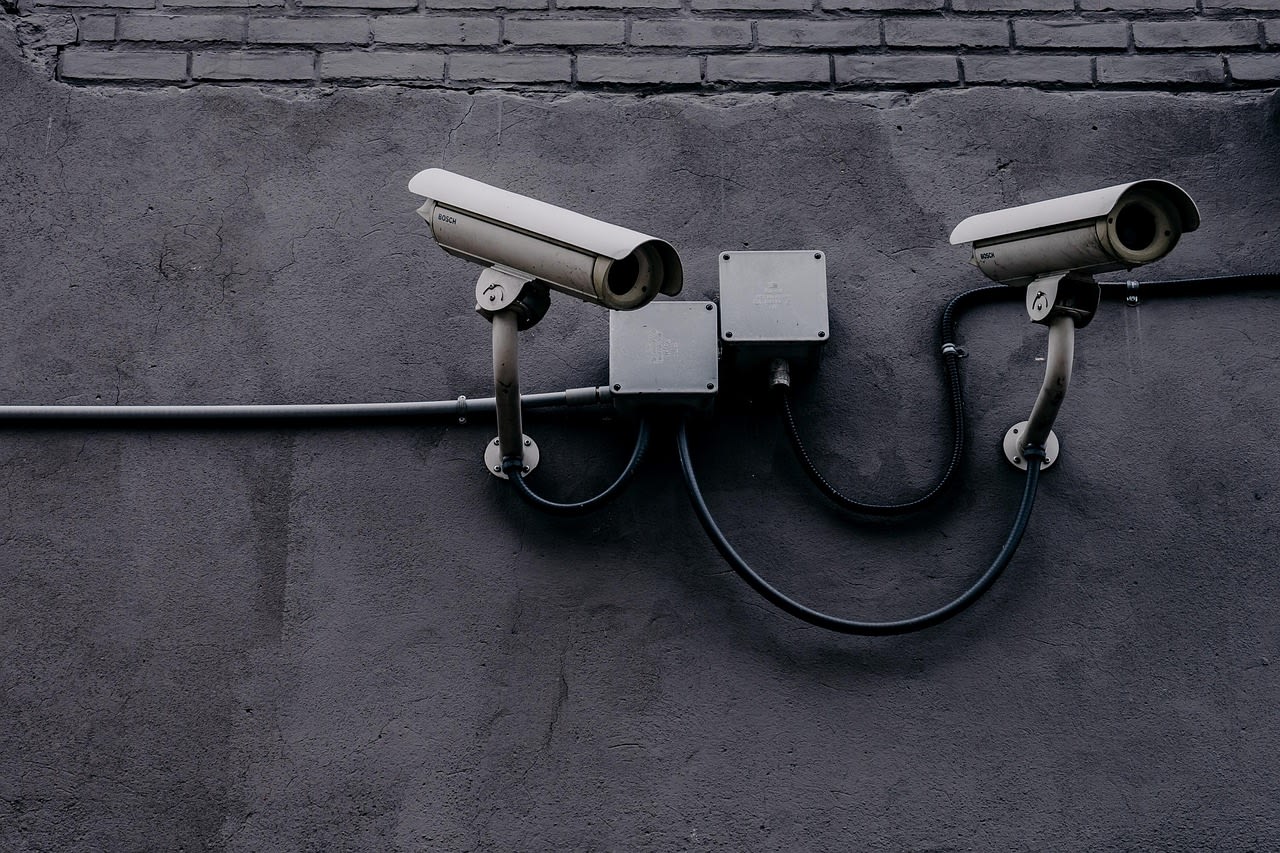
Several photos showed what appeared to be surveillance camera equipment. Not the discreet, modern IP cameras you'd expect in a high-security installation, but older analog systems with visible wiring. This tells us something important about the security mindset—or lack thereof—of whoever set this up.
First, visible surveillance systems create a psychological environment. They're not just for monitoring; they're for demonstrating that monitoring is happening. But from a technical perspective, analog systems are fundamentally less secure than modern digital systems. They're susceptible to interference. They typically don't encrypt their feeds. And they often connect to recording devices that are themselves insecure.
More importantly, the placement and visibility of these cameras in the photos suggested they were monitoring interior spaces rather than securing perimeters. This changes the security calculus entirely. Interior surveillance is about controlling information flow within a space, not preventing external breaches. It's a different threat model that prioritizes different risks.
In 2025, if you're implementing surveillance (for legitimate purposes, obviously), you need to think about encryption, access controls, and data retention policies. The systems visible in these photos appeared to have none of these considerations. Their feeds were probably stored locally on unencrypted drives, accessible to anyone with physical access to the premises.
Network Architecture Inferences: Reading Between the Blinking Lights
This is where it gets really technical—and really revealing. By examining the photos of networking equipment, experienced analysts could make educated guesses about the entire network architecture. The number of devices, their apparent connections, even the brands chosen—all of this tells a story.
One user noted what appeared to be a "daisy-chained" setup, where routers were connected to other routers rather than through proper switches. This creates network bottlenecks and makes troubleshooting a nightmare. It also suggests that whoever set this up was expanding piecemeal without a coherent plan.
The presence of both wired and wireless equipment in the same photos suggested a hybrid network. But here's the concerning part: there were indications that these networks might not have been properly segmented. If that's true, it means a compromise of the less-secure wireless network could provide access to everything on the wired network too.
From a forensic investigation standpoint, this kind of architecture is both a goldmine and a headache. The lack of segmentation means evidence might be spread across multiple systems, but it also means that once you breach one point, you potentially have access to everything. Law enforcement digital forensics teams must have had a field day with this—assuming they knew what to look for.
Physical Security Failures: What the Photos Don't Show
Here's something the Reddit discussion kept coming back to: the physical security of the network infrastructure itself. In several photos, networking equipment was visible in what appeared to be common areas or minimally secured spaces. No locked server racks. No access controls on the equipment rooms. Just... equipment sitting out in the open.
Physical access is the ultimate bypass for almost every digital security measure. If someone can walk up to your router and press the reset button, your fancy firewall rules don't matter. If they can plug directly into your switch, they're on your network. The photos suggested minimal consideration for this threat vector.
But there's another layer here: the photos themselves existing. The fact that networking equipment was visible in photos that were presumably taken for other purposes suggests that the people in that environment didn't consider their infrastructure to be sensitive information. They didn't think to blur out or avoid photographing their technical setup. This mindset—that the physical network isn't part of operational security—is surprisingly common even in legitimate organizations.
I've walked into offices where the server room door is propped open for ventilation. I've seen network diagrams pinned to cubicle walls. These might seem like small things, but they're attack vectors. The Epstein photos just show this principle taken to an extreme in an environment where you'd think they'd know better.
Forensic Lessons: What Investigators Can Learn From Network Photos

Let's shift gears from criticism to practical application. What can legitimate cybersecurity professionals and digital forensics investigators learn from analyzing these kinds of photos? Quite a lot, actually.
First, network equipment in crime scene photos provides context about the technical sophistication of the subjects. Consumer gear suggests limited technical expertise or budget constraints. Enterprise equipment suggests more resources and potentially more technical knowledge. The specific models can indicate purchase timelines (when certain models were available), which helps establish timelines.
Second, the configuration visible in photos—even blurry ones—can suggest usage patterns. Are there many wireless devices? That suggests mobile device usage. Are there specialized devices like VoIP adapters or media converters? Those suggest specific applications running on the network.
Third, and this is crucial for law enforcement: photos of network equipment can help investigators know what to look for when executing search warrants. If you see a specific model of network-attached storage in a photo, you know to look for that device and its drives. If you see a particular brand of router, you know what management interface to expect and what vulnerabilities it might have.
In my experience working with investigation teams, this kind of photographic evidence is often overlooked in favor of more obvious digital evidence. But as these Epstein file discussions show, sometimes the most valuable intelligence is hiding in plain sight—in the background of photos that weren't even taken for technical analysis.
Modern Alternatives: How This Should Be Done in 2025
So if the setup in those photos represents how NOT to do things, what should a properly secured network look like in 2025? Let's talk about modern best practices that address the exact failures visible in those images.
First, network segmentation. Different types of traffic should be on different virtual networks. Surveillance cameras shouldn't be on the same network as computers. Guest devices shouldn't have any access to internal resources. This isn't just theory—modern networking equipment makes this surprisingly easy to implement.
Second, proper equipment. For sensitive applications, consumer gear isn't sufficient. You need equipment with regular security updates, proper logging capabilities, and enterprise-grade features. This doesn't necessarily mean spending a fortune—there are prosumer options that bridge the gap nicely.
Third, physical security. Network equipment should be in locked enclosures. Access should be logged. And photos of sensitive areas should avoid showing technical details. This last point might seem paranoid, but as we've seen, even blurry background details can reveal vulnerabilities.
Fourth, and this is critical: encryption everywhere. Network traffic should be encrypted. Storage should be encrypted. Backups should be encrypted. The days of plaintext anything are long gone, or at least they should be.
Implementing these measures doesn't require being a technical genius. Sometimes it's as simple as hiring someone who knows what they're doing. If you're not confident in your own skills, you can find network security professionals on Fiverr who can audit your setup and recommend improvements. The cost is minimal compared to the risk of a breach.
Common Questions and Misconceptions
Reading through the Reddit discussion, several questions kept popping up. Let me address the most common ones directly.
"Can you really identify specific vulnerabilities from blurry photos?" Sometimes, yes. Certain router models have distinctive LED patterns or physical features. If you can identify the model, you can look up its known vulnerabilities. More importantly, you can make educated guesses about configuration based on visible connections and device placement.
"Why wouldn't they use better security?" This might be the most interesting question. In my experience, technical security often takes a backseat to convenience, even in environments where you'd expect better. People use weak passwords because they're easier to remember. They skip encryption because it's "too complicated." They use consumer gear because it's what they know. Technical sophistication in one area (like whatever activities were happening) doesn't necessarily translate to network security knowledge.
"What tools would investigators use to analyze a network like this?" Modern forensic toolkits include network mapping software, vulnerability scanners, and specialized hardware for capturing network traffic. For analyzing photos specifically, enhancement software can reveal details not visible to the naked eye. There are even automated tools for gathering technical intelligence from various sources that could complement photographic analysis.
"Is my home network vulnerable to the same issues?" Probably, yes. Most home networks use consumer routers with default settings. Most don't segment devices. Most have minimal logging. The difference is scale and consequence—but the principles are the same.
Practical Steps You Can Take Today
Enough about what others did wrong. What should YOU be doing to avoid these same mistakes? Here are concrete, actionable steps you can implement immediately.
First, audit your own network photos. Go through photos you've posted online or shared. Can you see networking equipment in the background? If so, consider taking those photos down or editing them. This isn't just about hiding things—it's about operational security in a world where every detail can be analyzed.
Second, upgrade from default configurations. Change your router's admin password. Disable features you don't use. Enable the highest level of encryption available. These basic steps eliminate the low-hanging fruit that most attackers target first.
Third, consider proper equipment. If you're running anything more sensitive than casual web browsing, consumer gear might not be sufficient. Ubiquiti UniFi Dream Machine offers enterprise features at a reasonable price point. TP-Link Omada Router is another good option for prosumers. The key is getting equipment that receives regular security updates.
Fourth, think about physical security. Where is your router located? Can anyone walk up to it? Could someone see it through a window? Simple measures like placing equipment in a locked cabinet or even just out of sight can significantly improve security.
Finally, educate everyone with access. The weakest link in any security chain is usually human. Make sure everyone who uses your network understands basic security principles. This doesn't mean technical training—just simple rules like "don't plug in unknown devices" and "use strong passwords."
Conclusion: The Universal Lessons in a Specific Case
Looking at those Epstein network photos through a cybersecurity lens isn't about the scandal itself—it's about recognizing universal security failures that could happen anywhere. The consumer-grade equipment, the lack of segmentation, the poor physical security, the visible surveillance systems... these aren't unique problems. They're common mistakes made by organizations and individuals who don't prioritize technical security.
What makes this case study valuable is the stark contrast between the apparent need for security and the actual implementation. If people in that environment couldn't get basic network security right with presumably significant resources at their disposal, what hope do the rest of us have? Actually, plenty. Because we can learn from their mistakes without repeating them.
In 2025, network security isn't optional. It's not just for corporations or governments. It's for anyone who values their privacy, their data, or their operations. The tools and knowledge are more accessible than ever. The excuses for getting it wrong are fewer. Those blurry photos in the background of scandalous images? They're not just evidence of one failure. They're a warning about a mindset that prioritizes convenience over security—a mindset that's far too common, and far too dangerous.
