


Introduction: The Breaking Point That Started It All
Dear diary,
Let me tell you about the moment everything changed. It was early 2024, and I'd reached my absolute limit. Between the brain-melting ads on every website and Microsoft's announcement about Windows 10's impending doom, something snapped. I'd always considered myself tech-savvy—I could build a PC, troubleshoot most software issues, and navigate the digital world with reasonable competence. But Linux? Self-hosting? Those were territories I'd admired from afar without ever truly exploring.
That changed completely over the course of a single year. What began as a simple ad-blocking experiment on a Raspberry Pi 4 evolved into a complete system overhaul that transformed how I interact with technology. This isn't just my story—it's a roadmap for anyone feeling trapped by corporate software decisions and invasive advertising. If you're tired of being a product rather than a user, grab a coffee and let me walk you through what I learned.
The Pi-hole Catalyst: When Ads Became Unbearable
It all started with the ads. Seriously, when did the internet become so hostile? Every website felt like navigating a minefield of pop-ups, auto-playing videos, and tracking scripts that slowed everything to a crawl. I'd used browser extensions for years, but they felt like putting bandaids on a bullet wound. The problem was systemic, and I needed a systemic solution.
Enter Pi-hole. For those unfamiliar, Pi-hole is network-level ad blocking. Instead of running on your browser, it sits between your devices and the internet, filtering out ads, trackers, and malware before they ever reach you. The magic happens when you pair it with Unbound, a recursive DNS resolver that handles DNS queries without relying on third-party servers.
My setup was simple: a Raspberry Pi 4, a microSD card, and about an hour of my time. The initial results were nothing short of miraculous. Suddenly, ads disappeared from my phone, smart TV, and every device on my network. Page load times improved dramatically. But more importantly, I experienced something I hadn't felt in years: control. I wasn't begging websites to show me less advertising—I was simply refusing to download it in the first place.
That Raspberry Pi became my gateway drug. Once I realized I could run useful services on inexpensive hardware, the possibilities started unfolding. What else was I outsourcing to companies that didn't have my best interests at heart?
The Windows 11 Wake-Up Call
Just as I was enjoying my newly ad-free existence, Microsoft dropped their bombshell: Windows 10 support would end in October 2025. The "upgrade" path? Windows 11, with its controversial hardware requirements, increased telemetry, and interface changes that felt more like regression than progress.
Let me be blunt: Windows 11 felt like the final straw. The mandatory Microsoft account integration, the ads in the Start menu, the constant nudging toward their ecosystem—it was too much. I'd tolerated gradual encroachments for years, but this was different. This wasn't just annoying; it felt fundamentally disrespectful to users who just wanted to get work done.
The timing was perfect, really. My success with Pi-hole had given me confidence. If I could run my own DNS server, why couldn't I run my own operating system? The fear of Linux—the command line, the compatibility issues, the learning curve—suddenly seemed less intimidating than the alternative: surrendering complete control to a company whose priorities clearly didn't align with mine.
So I made a decision: within a month, I would migrate completely. No dual-boot safety net. No "I'll keep Windows for gaming" excuses. A clean break.
Choosing Pop!_OS: The Distribution That Made It Stick
Here's where many Linux journeys go off the rails. People hear "Linux is better" and immediately download the most hardcore distribution they can find, then get frustrated when their Wi-Fi doesn't work or they can't figure out how to install basic software. I nearly made this mistake myself.
After researching for days, I landed on Pop!_OS from System76. And let me tell you—this wasn't a compromise. This was an upgrade in every sense that mattered. The installation was smoother than any Windows install I'd done in years. Hardware detection was flawless. The NVIDIA driver situation? Handled automatically during installation.
But what really made Pop!_OS my "beloved daily driver" (as I wrote in my original diary entry) was the philosophy behind it. This wasn't Linux for Linux's sake. This was a thoughtfully designed operating system created by people who actually use computers to get work done. The tiling window manager? A game-changer for productivity. The flatpak integration? Made installing software trivial. The entire experience felt cohesive rather than cobbled together.
Within a week, I was more productive than I'd been on Windows in years. The initial learning curve existed, sure. But it was a curve toward efficiency, not toward frustration. Every hour I invested in learning the system paid me back in saved time and reduced annoyance.
Beyond the Basics: What Self-Hosting Really Means
Once I had my feet under me with Linux, the real fun began. Self-hosting isn't just about running a single service—it's about rethinking your entire digital infrastructure. And in 2025, the tools available make this more accessible than ever.
My Pi-hole was just the beginning. Next came:
- Nextcloud: My personal Google Drive replacement, hosting files, calendars, and contacts
- Jellyfin: A Plex alternative that doesn't phone home or require authentication through someone else's servers
- Home Assistant: Local smart home control that doesn't depend on cloud services
- Vaultwarden: A self-hosted Bitwarden password manager instance
Each addition followed the same pattern: identify a service I was paying for (either with money or data), find an open-source alternative, and deploy it on hardware I control. The cumulative effect was profound. My monthly subscriptions dropped. My data stopped flowing to dozens of different companies. And I developed a deep understanding of how these services actually worked.
This isn't about being a digital hermit, by the way. I still use plenty of cloud services when they make sense. But now it's a choice, not a default. I know exactly what I'm trading, and I make those decisions consciously.
The Automation Mindset: Making Self-Hosting Sustainable
Here's the dirty secret nobody tells you about self-hosting: if you're doing everything manually, you'll burn out. The initial excitement wears off when you're spending your Saturday afternoon troubleshooting why your media server won't start after a power outage.
That's where automation comes in. And no, I'm not talking about complex Kubernetes clusters (unless that's your thing). I'm talking about practical, sustainable automation that makes your life easier.
My automation journey started with simple shell scripts. A bash script to update all my containers at once. Another to backup configurations. Then I discovered Ansible—and everything changed. Now I have playbooks that can rebuild my entire server from scratch. If my Raspberry Pi dies tomorrow, I can have everything back up and running in under an hour.
Docker became my other automation workhorse. Each service in its own container, isolated, with defined configurations. Updating is as simple as pulling a new image. Rolling back? Just revert to the previous tag. The combination of Docker for deployment and Ansible for configuration management transformed self-hosting from a hobby into a robust, maintainable system.
And here's a pro tip that saved me countless hours: document everything. Not just what you did, but why you did it. Future you will thank present you when you need to remember why you set that specific permission or chose that particular configuration option.
Hardware Considerations: What Actually Works
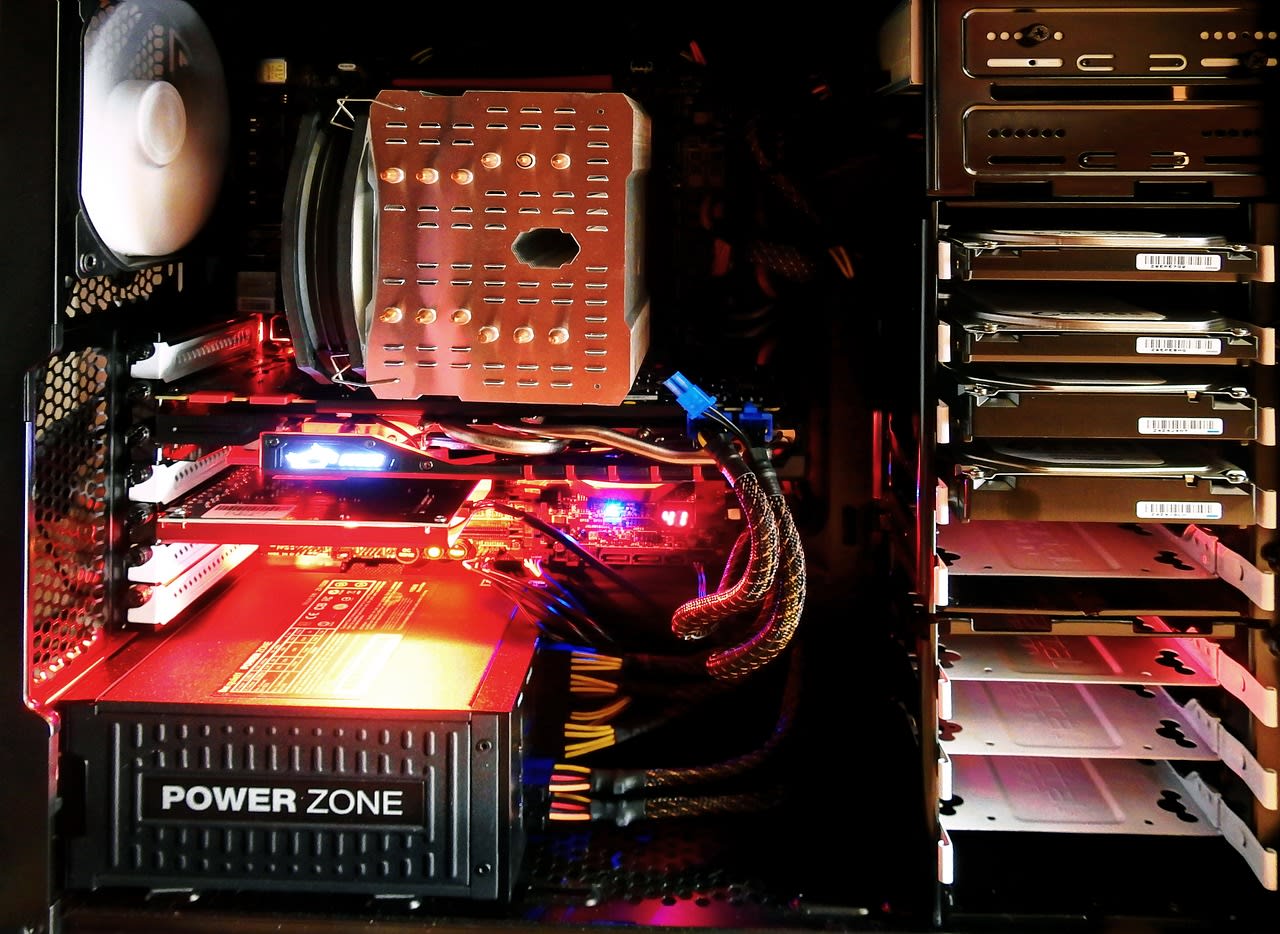
Let's talk hardware, because this is where many people overcomplicate things. You don't need a rack-mounted server in your basement to get started. Seriously.
My progression looked like this:
- Raspberry Pi 4: The perfect starting point. Low power, silent, and capable enough for Pi-hole, Unbound, and a few lightweight services.
- Intel NUC: When I outgrew the Pi, I moved to a used NUC I found on eBay. More power for media transcoding, still whisper-quiet.
- Proper NAS: Eventually, I invested in a Synology device for storage, but kept services running on the NUC.
The key insight? Start small and scale as needed. That Raspberry Pi 4 is still running my Pi-hole today, even as other services have migrated to more powerful hardware. It's been running continuously for over a year without issue.
If you're looking for hardware recommendations in 2025, consider these options:
- Raspberry Pi 5 Starter Kit - The latest iteration with even better performance
- Beelink Mini PC - Excellent price-to-performance ratio for x86 self-hosting
- WD Red Plus Hard Drives - Reliable storage for your growing data needs
Remember: your hardware should serve your needs, not the other way around. Don't build a monster server because it sounds cool—build what you'll actually use.
Common Pitfalls (And How to Avoid Them)
Looking back, I made plenty of mistakes. Here are the big ones so you can skip them:
1. The Perfection Trap: I spent weeks researching "the best" way to do things before starting. Don't. Pick a method, implement it, and improve it later. A working system with imperfections is better than a perfect system that doesn't exist.
2. Ignoring Backups: My first major scare came when I corrupted my Docker volumes during an update. Now I follow the 3-2-1 rule: three copies of your data, on two different media, with one offsite. BorgBackup has been my savior here.
3. Underestimating Security: Self-hosting means you're responsible for security. Fail2ban, proper firewall rules, regular updates—these aren't optional. And for heaven's sake, don't expose everything to the internet. Use a VPN (WireGuard is fantastic) for remote access.
4. Scope Creep: It's easy to keep adding services until your system becomes unmanageable. Every new service should solve a real problem, not just be "cool to have." Be ruthless about what you actually need.
5. Going It Alone: The self-hosted community is incredibly generous with their knowledge. When I hit a wall with reverse proxy configuration, I found solutions on forums and Reddit threads. Don't struggle in silence—chances are someone has solved your exact problem already.
When to Call in Reinforcements
Here's something they don't tell you in most self-hosting guides: it's okay to get help. Sometimes you'll encounter a problem that's outside your expertise or available time. That's when knowing where to find help becomes crucial.
For complex automation setups or custom integrations that you don't have time to build yourself, consider hiring a professional on Fiverr. I've found experts there who helped me optimize my Docker Compose configurations and set up monitoring systems that would have taken me weeks to figure out on my own.
Similarly, if you need to automate data collection from websites for any of your self-hosted services (price tracking, content aggregation, etc.), tools like Apify's ready-made scrapers can save you from building and maintaining your own scraping infrastructure. They handle proxy rotation, CAPTCHAs, and all the messy details so you can focus on using the data rather than collecting it.
The point isn't to outsource everything—it's to recognize that your time and expertise have limits. Strategic help at key moments can keep your self-hosting journey enjoyable rather than frustrating.
Conclusion: What Freedom Actually Feels Like
A year into this journey, I can confidently say it was one of the best decisions I've made. The technical skills are valuable, sure. But more valuable is the mindset shift.
I no longer feel like I'm renting my digital life from companies that view me as a data point. When a service changes its terms or raises its prices, I have options. When privacy violations make headlines, I'm not anxiously checking if I'm affected. The constant low-grade anxiety of modern computing has largely disappeared.
Is it more work? Sometimes. But it's work that benefits me, not a corporation. It's work that teaches me real skills. And most importantly, it's work that gives me something increasingly rare in 2025: genuine autonomy.
If you're feeling that same frustration I felt a year ago—with ads, with Windows 11, with the entire direction of consumer technology—know that there's another way. Start with a Raspberry Pi and Pi-hole. See how it feels to block ads at the network level. Then maybe try Linux on an old laptop. Take it one step at a time.
The path is clearer now than it's ever been. The tools are better. The community is larger. And the need for digital self-determination has never been more urgent.
Your future self will thank you.
