


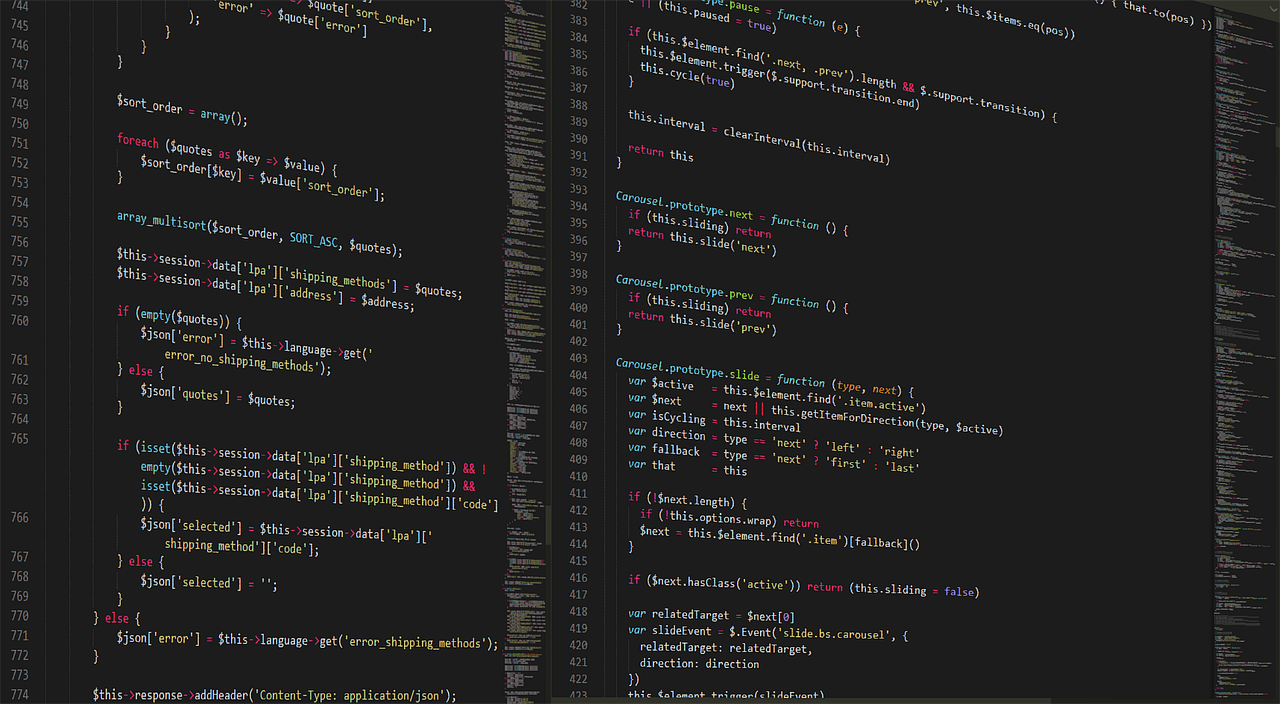
You peek into your child's room and see lines of code scrolling across the screen. Numbers, letters, symbols—it looks like another language. And honestly, it might as well be. You're a contractor who works with your hands, or maybe an accountant, or a teacher. You don't speak "code." But your 11-year-old does. They're deep in it, and you want to support them, but where do you even start?
This exact scenario played out on Reddit recently, where a parent's heartfelt post resonated with thousands. The parent—a contractor who works "with my hands in the dirt with machines"—expressed that familiar mix of pride and helplessness. Their son was coding, really coding, and they wanted to connect but couldn't bridge the gap.
The programming community's response was beautiful. They didn't just offer technical advice—they offered a roadmap for emotional support, practical help, and genuine connection. This article distills that collective wisdom into something you can use right now. You don't need to learn Python to be a great programming parent. You just need to understand what your child is doing and why it matters.
First, Breathe: You're Already Doing the Right Thing
Let's start with the most important point: your desire to support your child's interest is everything. In that Reddit thread, dozens of professional developers chimed in with variations of the same story: "I wish my parents had shown this much interest."
Programming can be a solitary activity. It looks like someone just staring at a screen. But what's happening inside their head is incredibly active—problem-solving, pattern recognition, creative construction. Your child is building worlds with logic. That's pretty amazing.
Your background doesn't matter here. One commenter put it perfectly: "You don't need to understand the code to understand the passion." Think of it like any other specialized interest. If your child was becoming an expert chess player, you wouldn't need to be a grandmaster to appreciate their dedication. You'd learn enough to recognize good moves, provide resources, and celebrate their progress.
That's exactly where you are now. And you're asking the right questions.
What Is He Actually Doing? Decoding the Screen
When you see "numbers and letters just... forever," what's actually happening? Let's translate that visual into concepts you can grasp.
Most likely, your child is working in a text editor or an Integrated Development Environment (IDE). These are just fancy word processors for code. The colored text isn't random—syntax highlighting uses colors to differentiate between commands, variables, and comments, making the code easier to read.
He's probably writing in a specific programming language. Common starters for kids include:
- Python: Known for its readable, almost English-like syntax. Great for beginners.
- JavaScript: The language of the web. If he's making websites or browser games, this is likely it.
- Scratch: A visual, block-based language from MIT. Very common for younger kids.
- Java or C#: Often used in game development with engines like Minecraft modding or Unity.
He might be following a tutorial, working on a school project, or—most excitingly—building something entirely from his own imagination. Games are a huge motivator. Many professional developers started by trying to make their own version of Mario or a simple RPG.
The Non-Technical Support Toolkit: What You CAN Do
Here's where we get practical. You don't need to debug his code to be incredibly helpful. Your role is different but equally valuable.
Become a Curious Audience
Ask him to show you what he's working on. Not the code—the result. Say, "Can you run it for me?" or "What does it do?" When that little game window pops up or the website loads, you'll see the magic. Your genuine interest in the output is powerful validation.
Ask questions about the experience, not the implementation. "What was the hardest part to make?" "What are you most proud of?" "What do you want to add next?" These questions show you value the creative and problem-solving aspects, which is exactly what programming is about.
Provide the Infrastructure

Think of yourself as the manager of a research lab. Your job is resource allocation and removing obstacles.
Hardware matters. A second monitor can be a game-changer for coding, allowing reference material on one screen and code on the other. A comfortable chair is an investment in his physical health during long sessions. A good keyboard—mechanical keyboards are popular for their tactile feedback—can make typing more pleasant. Mechanical Keyboard for Programming
Internet and access are crucial. Programming often involves downloading free tools, watching tutorial videos, and accessing documentation. Make sure your internet plan can handle it, and understand that some of these downloads are safe and necessary (like code editors or game engines).
Connect Him with Community
One of the best suggestions from the Reddit thread: find local coding clubs or hackathons for kids. Libraries, community centers, and schools often host these. If in-person options are limited, online communities exist too—but you'll want to help vet them for safety.
Platforms like Scratch (scratch.mit.edu) have built-in, moderated communities where kids can share projects and get feedback. For older kids, GitHub is where professional developers collaborate, but it requires more maturity to navigate.
Navigating the Practical Concerns: Screen Time, Balance, and Safety
Let's address the elephant in the room. Yes, coding involves screens. But it's fundamentally different from passive consumption like watching videos or scrolling social media.
Think of it as digital craftsmanship. He's not just consuming content; he's building skills, solving complex problems, and creating something tangible. Many parents in the discussion framed it as similar to time spent practicing a musical instrument or working on a complex model—it's focused, skill-building work.
That said, balance is still important. Encourage breaks using the Pomodoro Technique (25 minutes of focused work, 5-minute break). Make sure physical activity and offline social time remain part of the routine. The goal isn't to replace other activities, but to add programming to the mix.
Safety is paramount. Programming involves downloading software and sometimes interacting with online communities. A few ground rules:
- Keep computers in common areas, not bedrooms.
- Use separate, standard user accounts (not administrator accounts) for daily use to prevent accidental system changes.
- Talk about online safety: never share personal information, be skeptical of "free" software from unknown sources, and come to you if anything feels weird.
- Consider using ad-blockers to reduce exposure to malicious ads on tutorial sites.
Educational Resources That Actually Work (Without Overwhelming You)
You don't need to become the teacher, but knowing where to point him is huge. The programming community overwhelmingly recommended these resources for young learners:
For absolute beginners: Scratch is still king for visual, block-based learning. It teaches programming concepts without syntax errors. Code.org has excellent, free courses used in schools worldwide.
For text-based coding: Python is the consensus first "real" language. Automate the Boring Stuff with Python (free online) is fantastic for practical projects. Automate the Boring Stuff with Python Book For web development, freeCodeCamp offers structured, project-based curriculum.
For game development: Unity with C# is professional-grade but has tons of kid-friendly tutorials. Godot Engine is a fantastic free alternative gaining popularity. Roblox Studio lets kids create and potentially earn from their games.
YouTube channels like Brackeys (for Unity), CS Dojo, or The Coding Train offer engaging tutorial content. Watch a few minutes together to gauge quality and presentation style.
Here's a pro tip from the thread: project-based learning beats passive tutorials every time. Instead of just following along, encourage him to think of something he wants to make, then find resources to make it happen. This develops crucial problem-solving skills.
When They Hit a Wall: The Art of Debugging Support

Every programmer, at every level, gets stuck. The code doesn't work, the error message is incomprehensible, and frustration mounts. This is a critical teaching moment—and you can help without knowing a semicolon from a parenthesis.
First, normalize the struggle. Say something like, "Getting stuck means you're working on something challenging. That's where the learning happens." Professional developers spend a significant portion of their time debugging.
Then, help him develop a debugging methodology:
- Read the error message aloud. Sometimes just verbalizing it reveals the issue.
- Google the exact error. This is the programmer's secret weapon. Someone has almost certainly had this exact problem before. Teach him to copy-paste the error into a search engine.
- Check Stack Overflow. This Q&A site is the programming world's collective brain. Searching there often yields solutions.
- Take a break. The brain solves problems in the background. A walk, a snack, or sleeping on it works wonders.
- Explain the problem to someone else. This is the "rubber duck" method. He can explain it to you—you don't need to understand, but the act of explaining often clarifies his own thinking.
If he's truly stuck for days, consider helping him find a mentor. Sometimes, a more experienced person can spot the issue in minutes. You could hire a programming tutor for a single session on Fiverr just to get past that specific hurdle. It's cheaper than you might think and can prevent discouragement.
Beyond the Screen: Connecting Coding to the Real World
This is where your non-technical perspective becomes a superpower. You can help him see how programming connects to everything else.
If you're a contractor, talk about the math in measurements, the logic in project planning, the problem-solving when something doesn't fit. That's computational thinking! If you cook, recipes are like algorithms. If you garden, the lifecycle of a plant is like a program with conditions (if enough water, then grow).
Look for physical computing projects. Microcontrollers like the Arduino or Raspberry Pi let you write code that controls lights, motors, and sensors in the real world. He could program a robot to water plants, build a custom video game controller, or create a weather station. Arduino Starter Kit These projects blend coding with hands-on building—a perfect bridge between your worlds.
Point out programming in everyday life. The traffic light sequence? A program. The supermarket self-checkout? Runs on code. The playlist algorithm on Spotify? Definitely code. This helps him see his hobby as connected to the wider world, not just an isolated screen activity.
What If He Wants to Go Pro? Early Pathways Explored
It's 2026. A child who starts coding at 11 could have a decade of experience by college graduation. That's a serious head start. What might that path look like?
Education paths are diversifying. Traditional computer science degrees are still valuable, but bootcamps, online certifications, and self-taught portfolios are increasingly respected. The key is building a track record of completed projects.
Encourage him to document his work. A simple blog where he writes about what he learned on each project is invaluable. It reinforces learning and creates a portfolio. GitHub is the standard for hosting code portfolios—help him set up an account (with privacy settings appropriate for his age).
Look for age-appropriate competitions. Google's Code-in, the Congressional App Challenge for teens, or local science fairs with programming categories give tangible goals and look great on future resumes.
And here's a future-thinking tip: programming is increasingly about working with data and automation. If he shows interest in gathering information from websites (always ethically and respecting terms of service!), tools like Apify can teach him about scalable data collection—a highly marketable skill. But emphasize that with great power comes great responsibility; web scraping should always be done ethically.
Common Mistakes Well-Meaning Parents Make
Let's wrap with some pitfalls to avoid, straight from the programmers who were once kids in that bedroom:
Don't push too hard. This is his interest, not yours. Support, don't direct. If he wants to take a month off to read fantasy novels, that's fine. Burnout is real, even for kids.
Avoid the "genius" label. Calling him a "little genius" or "whiz kid" creates performance pressure. Praise the effort, persistence, and creativity instead. "I'm impressed with how you stuck with that bug" means more than "You're so smart."
Resist comparing. "Your cousin made an app at 12" isn't helpful. Every learner's journey is different. Some dive deep into one language; others sample many. Both are valid.
Don't fear the unknown. That "weird" language or niche game engine he's obsessed with might be the next big thing. The tech landscape changes fast. His curiosity is his best guide.
Most importantly, don't underestimate the value of what you're already doing. By reading this, by caring enough to seek understanding, you're providing the most crucial resource: a safe, supportive environment where curiosity can thrive.
The Bottom Line: You've Got This
Remember that original Reddit parent? After hundreds of comments of support and advice, they posted a simple update: "Thank you all. I showed my son this thread. He smiled for the first time about this." That connection—that moment of being seen—is everything.
You don't need to become a programmer. You need to become a student of your child's passion. Ask questions. Provide resources. Celebrate the creations. Normalize the struggles. Connect the dots to the wider world.
The screen might show "numbers and letters just... forever," but what's really happening is the development of a problem-solver, a creator, a thinker. And you, with your hands that work in the dirt or the office or the classroom, are the perfect guide for this digital journey. Your different perspective isn't a weakness—it's the balance he needs. Now go peek in that room again, and this time, ask him to show you what his code can do.
