


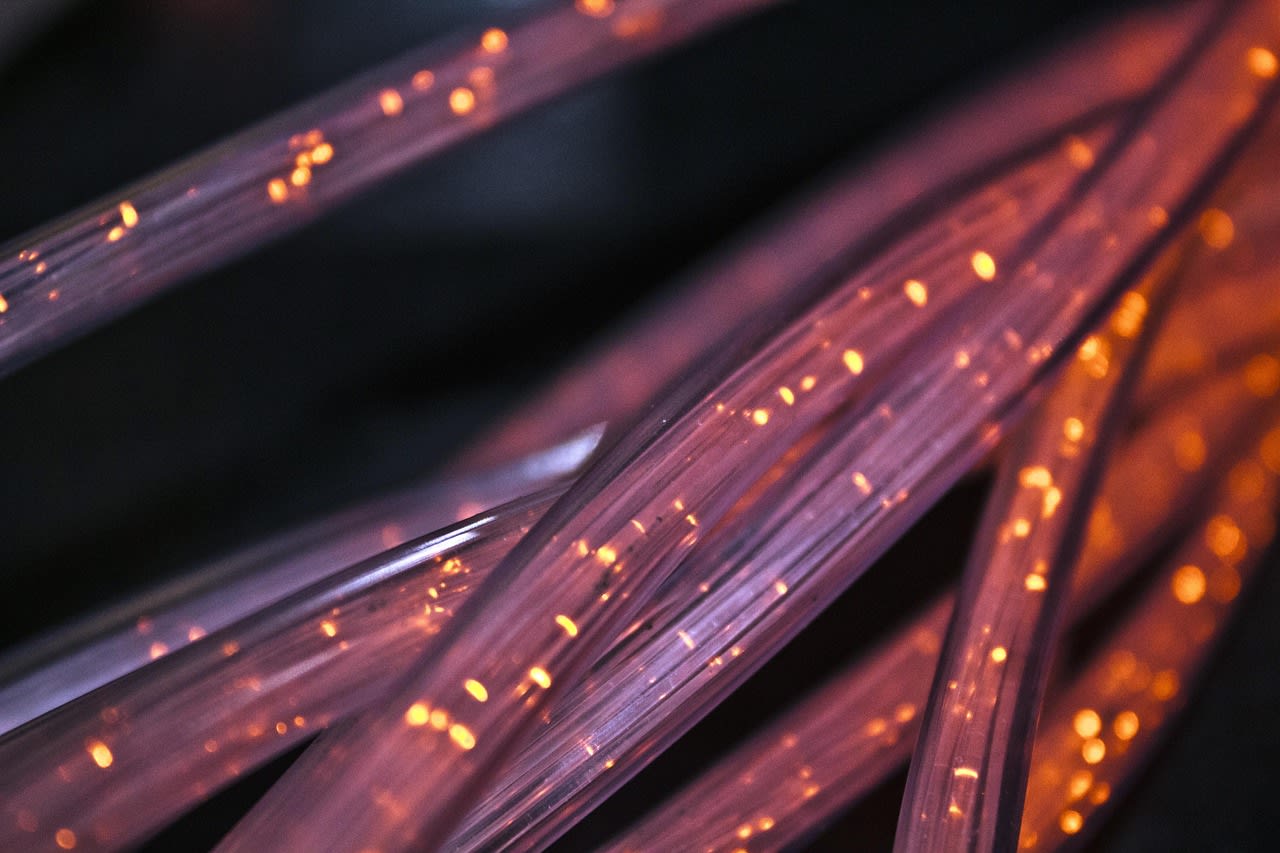
Introduction: The Bare Fiber Dilemma
You just had fiber internet installed. The technician left. You're excited to connect your devices—until you see it. A thin, fragile-looking fiber optic cable poking through your wall with nothing protecting it. No wall plate. No keystone jack. Just raw fiber exposed to the world. And you're left wondering: "Is this normal? Did they do it wrong? Can I fix this myself?"
If this sounds familiar, you're not alone. In 2026, as fiber-to-the-home becomes standard, this scenario plays out in thousands of homes. The technician's job is to get you connected—not necessarily to make it pretty or permanent. But that leaves you with a problem that needs solving. This guide walks you through exactly what to do when your fiber comes through the wall with no proper termination.
Why Technicians Leave Fiber "Raw"
First, let's understand why this happens. It's not necessarily incompetence—though sometimes it is. More often, it's about time, scope, and equipment limitations.
Most fiber installers work for internet service providers (ISPs). Their primary mission? Get you connected and signal flowing. That's it. Their trucks carry specific equipment for splicing fiber and connecting to the ISP's optical network terminal (ONT). What they often don't carry? A variety of wall plates, keystone jacks, and low-voltage mounting brackets. Those are considered "customer finish" items in many cases.
There's also the time factor. A typical installation appointment might be 60-90 minutes. Running the fiber, splicing it, testing the connection, and configuring the ONT takes most of that time. Adding proper wall termination could push the appointment over schedule—and technicians are often measured by how many jobs they complete per day.
Finally, there's the simple fact that many technicians aren't low-voltage specialists. They're fiber splicers and connectivity experts. The aesthetics of your wall plate? That's often outside their wheelhouse. Frustrating? Absolutely. But understanding this helps you approach the solution realistically.
What's Actually Wrong With Bare Fiber?
So you've got fiber coming through drywall. Is it actually a problem? In short: yes. Here's why.
Fiber optic strands are incredibly thin—about the diameter of a human hair. They're made of glass. Unlike copper Ethernet cables, they can't be bent sharply, stepped on, or pulled hard. The protective coating helps, but that raw end where it enters your living space? That's a vulnerability point.
Every time you move furniture, vacuum, or have guests over, that exposed fiber risks damage. A slight kink can cause signal loss. A hard pull can break it completely. And if it breaks inside the wall? You're looking at a much more complicated repair.
Then there's the dust and debris factor. Fiber connections require perfectly clean end faces. Dust particles smaller than you can see can scatter light and degrade your connection. An open hole in your wall invites all sorts of contaminants.
And let's be honest—it looks terrible. You're paying for premium internet service. You shouldn't have to stare at a hole in your wall with a cable sticking out. Proper termination protects your investment and maintains your home's appearance.
The Right Way: Keystone Jacks Explained
Let's talk about what should be there. In professional installations, fiber terminates in a keystone jack mounted in a wall plate. Think of it like an electrical outlet, but for data.
A keystone jack is a small, standardized housing that holds the fiber connector securely. The most common type for residential fiber is an LC connector—those little square connectors you've probably seen. The jack snaps into a wall plate, which then mounts to a low-voltage bracket in your wall.
Here's why this matters: protection, professionalism, and flexibility. The keystone jack protects the delicate fiber connection from dust, physical damage, and accidental disconnection. It looks clean and intentional. And it gives you flexibility—you can easily connect and disconnect devices without worrying about damaging the permanent installation.
There are different keystone styles too. Some are designed for pre-terminated fiber cables (where the connector is already on the cable). Others are for field termination (where you put the connector on yourself). The type you need depends on what your installer left you with.
Most residential installations use simplex fiber (one strand) for internet, though some newer setups in 2026 use duplex (two strands) for higher bandwidth applications. Knowing which you have determines what keystone jack you'll need.
Assessing Your Situation: What Do You Actually Have?

Before you can fix anything, you need to understand what you're working with. Grab a flashlight and take a close look at that cable coming through your wall.
First, identify the cable type. Is it a thin, yellow cable? That's probably single-mode fiber, which is standard for most FTTH installations. Is it orange or aqua? That might be multimode, though that's less common in residential settings. The color matters because it determines what connectors and equipment you'll need.
Next, look at the end. Is there already a connector on it? If so, what type? LC connectors are small and square. SC connectors are larger and rectangular. If there's no connector—just raw fiber sticking out—you're dealing with a field termination situation. That's more complex but still manageable.
Measure the hole. Is it a clean 1/2-inch or 3/4-inch hole? Or is it a ragged tear in the drywall? This determines what kind of wall plate and mounting bracket you can use.
Finally, check how much slack you have. Can you pull a few more inches of cable into the room? You'll need some working room to install the keystone jack properly. If the cable is taut, you might need to carefully pull more from the other side or consider a different mounting approach.
DIY Solution #1: The Complete Keystone Installation
If you're handy and have the right tools, you can install a proper keystone jack yourself. Here's how.
You'll need a few things: a low-voltage mounting bracket (sometimes called an "old work bracket"), a single-gang wall plate, a fiber keystone jack that matches your connector type, and possibly a dust cap for the connector. You can find all of these at home improvement stores or online. For quality keystone jacks and plates, check out Legrand Fiber Keystone Jacks.
Start by turning off your ONT and disconnecting the fiber. Safety first—you don't want to be looking into a live fiber connection (it won't blind you, but it's not good for your eyes either).
Install the low-voltage bracket in the existing hole. These brackets have tabs that flip out behind the drywall to secure themselves. Make sure it's level and secure.
Now, if your fiber already has a connector, simply insert it into the keystone jack until it clicks. If it doesn't have a connector, you'll need to terminate it. This requires a fiber termination kit—which includes cleavers, strippers, and epoxy or mechanical connectors. Honestly? This is where many DIYers decide to call a professional. Fiber termination requires precision and practice.
Once your keystone jack is populated, snap it into the wall plate. Feed the fiber through the bracket, attach the wall plate to the bracket with screws, and you're done. Reconnect to your ONT and test the connection.
DIY Solution #2: The Surface-Mount Alternative
Not comfortable cutting drywall or dealing with brackets? There's an easier way: surface-mount boxes.
Surface-mount solutions stick to or screw onto your wall, creating a professional-looking termination point without needing to modify the wall itself. They're perfect for situations where you don't have slack to work with, or where the hole is in an awkward location.
You can get surface-mount boxes designed specifically for fiber. They typically have strain relief to protect the cable where it enters the box, and mounting points for a keystone jack inside. Some even come with adhesive backing for easy installation.
The process is simple: terminate your fiber (or use the existing connector), install it in a keystone jack, mount the jack in the surface-mount box, then attach the box to the wall near the existing hole. You'll want to use a small piece of conduit or a cable channel to cover the fiber between the hole and the box for extra protection.
Is it as clean as a proper in-wall installation? No. But it's miles better than bare fiber, and it's much easier for beginners. Plus, if you move or want to change things later, it's completely reversible.
When to Call a Professional
Some situations scream "call a pro." Recognizing them can save you time, money, and frustration.
If you need to terminate raw fiber and don't have the tools or experience, hire someone. A proper fiber termination kit costs hundreds of dollars. The learning curve is steep. And one mistake means cutting the fiber back and trying again—which eats up your precious slack.
If the cable is extremely tight with no slack, you might need someone who can access the other side of the wall (maybe in a basement, attic, or crawlspace) to feed more cable through. This often requires fishing tools and experience.
If you're dealing with multiple fibers or complex networking needs, professional help ensures everything is done right. Maybe you're setting up a home office with multiple devices, or you want to run fiber to multiple rooms. A pro can design and implement a complete solution.
Where do you find these professionals? Check with local low-voltage wiring specialists. Or, if you're not sure where to start, you can find network installation experts on Fiverr who can either guide you remotely or connect you with local contractors. Sometimes paying for an hour of professional time is cheaper than buying tools you'll use once.
What Your ISP Should (and Shouldn't) Do
Here's an uncomfortable truth: your ISP probably won't fix this for free. But that doesn't mean you shouldn't ask.
Call your ISP's customer service. Be polite but firm. Explain that the installation is incomplete and poses a risk to the service you're paying for. Ask if they offer "customer finish" services or can dispatch a technician to install a proper wall plate.
Some ISPs in 2026 do offer these services—for a fee. Expect to pay $75-$150 for a technician to come back and install a keystone jack and wall plate. Is it worth it? That depends on your comfort level and the quoted price.
If they refuse or charge too much, ask if they can at least provide the proper keystone jack or recommend a specific type. Sometimes they'll give you the part even if they won't install it.
Document everything. Take photos of the current installation. Note the date and time of your call, and the representative's name. If you ever have service issues related to that exposed fiber, this documentation shows the installation wasn't completed properly.
Preventing Future Problems: What to Ask During Installation
The best solution is prevention. Next time you get any low-voltage work done, be proactive.
When scheduling the installation, ask specifically: "Will this include proper wall termination with a keystone jack and wall plate?" Get the answer in writing if possible.
When the technician arrives, show them exactly where you want the termination point. Ask what type of jack they'll use. If they say they don't do that, ask if they can at least leave enough slack and make a clean hole for you to finish later.
Consider being present during the installation. I know it's not always possible, but being there lets you ask questions in real-time and catch issues before the technician leaves.
If you're building a new home or doing major renovations, work with your electrician or low-voltage contractor to install conduit (smurf tube) from your network panel to key locations. Then you can easily pull fiber or Ethernet later without damaging walls. It's more upfront cost but saves headaches down the road.
Common Mistakes to Avoid
I've seen people make these errors over and over. Learn from their mistakes.
Don't bend fiber sharply. The minimum bend radius is typically about 1.5 inches for most residential fiber. Any tighter and you risk microscopic cracks that degrade signal.
Don't use electrical boxes or plates. They're not designed for fiber keystone jacks. Use proper low-voltage brackets and plates. The mounting holes are different, and electrical boxes can put pressure on cables.
Don't skip the dust caps. When your fiber connector isn't plugged into something, put a dust cap on it. Those tiny connectors attract dust like magnets.
Don't pull on the fiber itself. If you need to move it, grip the cable jacket, not the thin fiber strands inside. Better yet, use the connector body.
And please—don't cover the hole with tape or putty. It might look temporarily better, but it does nothing to protect the fiber and can actually make proper installation harder later.
The Future: Wireless Fiber and Evolving Standards
Looking ahead to late 2026 and beyond, this problem might become less common. Here's why.
More ISPs are offering pre-terminated fiber solutions with standardized connectors already installed. The technician simply plugs one end into the ONT and the other into a wall jack—no field splicing required. This makes proper termination easier and faster.
Wireless fiber technologies are emerging too. Some setups now use a small external receiver that communicates wirelessly with an indoor unit, eliminating the need for a physical fiber run into your living space entirely. It's not widespread yet, but it's coming.
Standardization is improving. The telecommunications industry is pushing for more consistent installation practices. Some municipalities are even updating building codes to require proper low-voltage termination—treating data cables more like electrical wires in terms of installation standards.
In the meantime, tools are getting better. Fiber Termination Kits are becoming more affordable and user-friendly. There are even mechanical connectors now that don't require epoxy or polishing—just cleave the fiber and snap it in. They're not quite as good as factory terminations, but they're perfect for DIY repairs.
Conclusion: Taking Control of Your Connection
That bare fiber coming through your wall isn't a disaster—it's an opportunity. An opportunity to learn about your home network, to improve your installation, and to ensure your expensive fiber internet is protected and reliable.
You have options. You can DIY it with a keystone jack and wall plate. You can use a surface-mount solution for simplicity. Or you can hire a professional to do it right. What matters is that you don't leave that fiber exposed, vulnerable to damage and degrading your connection quality.
Remember: your internet connection is only as good as its weakest point. That raw fiber end is a weak point. Fixing it might take an afternoon and maybe a hundred dollars in parts, but it protects an investment that you rely on every day.
Start by assessing what you have. Then choose your path forward. Whether you tackle it yourself or bring in help, you'll end up with a cleaner, more professional, and more reliable installation. And next time you look at that wall, you'll see a job well done instead of a problem waiting to happen.
