



The 2025 Self-Hosting Landscape: More Than Just a Hobby
You know that feeling when you finally get your entire self-hosted ecosystem humming along? The services talk to each other, backups run silently in the background, and you've reclaimed another piece of your digital life from Big Tech. That's what the end-of-year showcase is all about—sharing those hard-won victories and learning from each other's setups.
Looking at the Reddit thread that sparked this article, one thing becomes immediately clear: self-hosting in 2025 isn't just about running a few services. It's about building a complete, personalized digital infrastructure. People aren't just listing their apps—they're sharing their entire philosophy around data ownership, privacy, and digital independence. And honestly? That's the real story here.
What surprised me most was how mainstream this has become. We're not talking about just tech professionals anymore. Teachers, artists, small business owners—they're all building their own little data centers at home. The barrier to entry has dropped dramatically, thanks to better documentation, more user-friendly tools, and communities that actually help rather than gatekeep.
The Non-Negotiables: Services Everyone Seems to Run
Let's start with what's practically universal in 2025 setups. If you're building a self-hosted environment right now, you'll almost certainly encounter these tools. They've become the foundation that everything else builds upon.
First up: AdGuard Home. It's everywhere. And for good reason—running your own DNS server with ad-blocking capabilities is arguably the single most impactful change you can make for your entire network. Every device benefits, even the smart lightbulbs you forgot were phoning home. The community thread shows people pairing it with adguardhome-sync for multi-instance configurations, which tells me people are getting serious about redundancy. They're not just running one instance; they're creating fault-tolerant systems.
Then there's the containerization layer. Docker Compose has become the de facto standard for service management. People aren't installing services directly on their host systems anymore—they're defining everything in YAML files that can be version-controlled, backed up, and migrated. This represents a massive shift in how we think about our setups. Your server isn't a collection of installed packages; it's a set of declarative configurations that can be recreated anywhere.
Backup solutions have evolved too. It's not just about backing up data anymore—it's about backing up configurations, container definitions, and even the entire state of services. People are using tools like BorgBackup, Restic, and Duplicati, but the real trend I'm seeing is automated, verified backups with monitoring. They're not just hoping backups work; they're getting notifications if something fails.
Hardware Choices: From Raspberry Pis to Powerhouse Servers
Here's where things get really interesting. The hardware spectrum in 2025 is wider than ever. On one end, you've got people running everything on a single Raspberry Pi 5—and honestly, it's impressive what these little boards can handle now. With 8GB of RAM and proper cooling, you can run a dozen lightweight services without breaking a sweat.
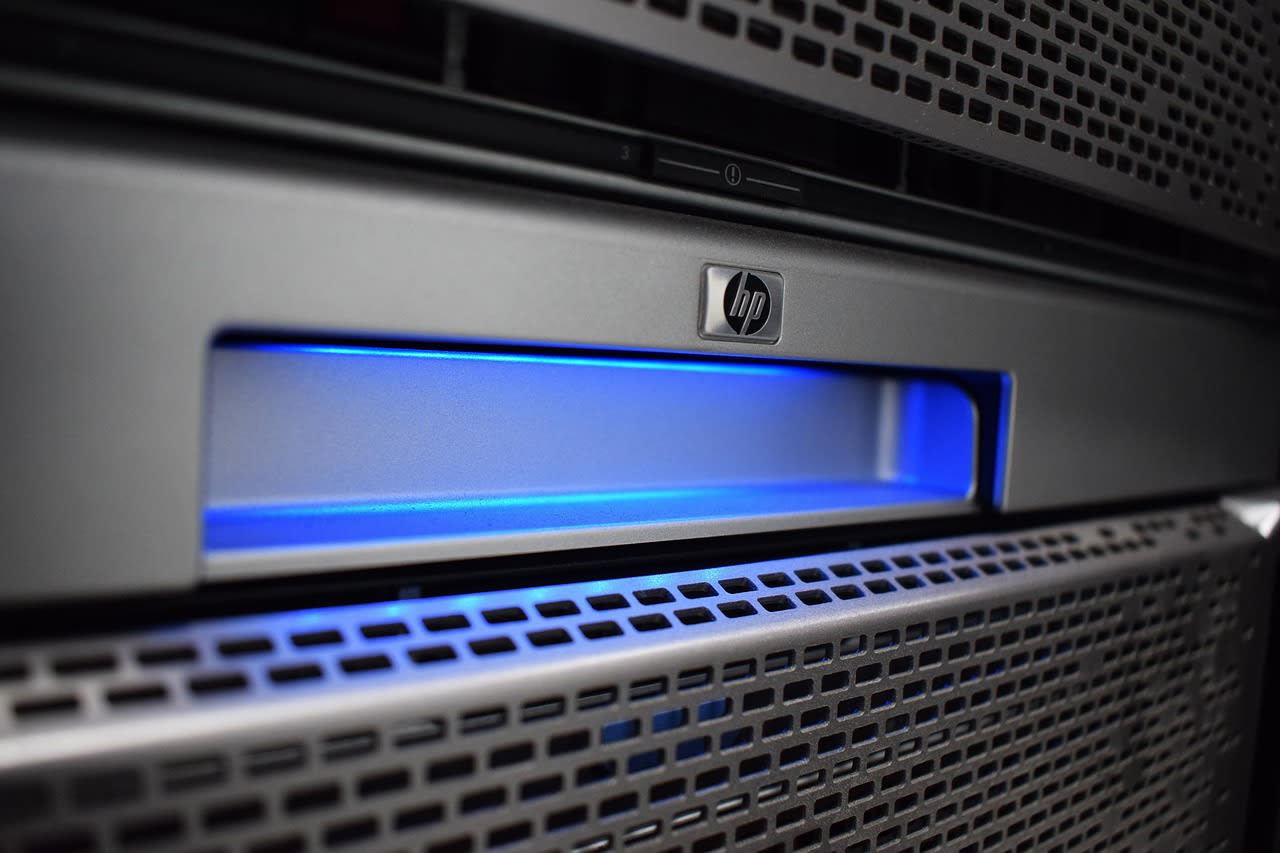
But then you've got the other extreme: retired enterprise gear. Dell PowerEdge servers, HP ProLiants—these workhorses from data centers past are finding new life in basements and closets. The noise? Significant. The power consumption? Not ideal. But the capability per dollar is unbeatable. You can get 128GB of RAM and dual Xeon processors for less than a mid-range gaming PC.
What's emerging as the sweet spot, though, is the mini-PC revolution. Intel NUC clones, Beelink mini PCs, and similar devices from brands like Minisforum are giving people a perfect middle ground. They're quiet, power-efficient, and surprisingly powerful. I've seen setups with three or four of these mini PCs forming a Proxmox or Kubernetes cluster—distributed, redundant, and still drawing less power than a single light bulb.
Storage has seen the biggest evolution. NVMe drives for cache and databases, large HDDs for media storage, and proper RAID configurations (or ZFS pools) for data protection. People aren't just throwing drives in anymore; they're designing proper storage hierarchies. And with the price of SSDs continuing to drop, more people are moving away from spinning disks for everything except bulk storage.
The 2025 Service Stack: What's Hot and What's Not
Let's talk about the actual services people are running. The community thread reveals some clear trends—and a few surprises.
Media servers remain incredibly popular, but the landscape has shifted. Jellyfin has gained massive ground against Plex, especially among privacy-conscious users. The open-source nature and lack of telemetry resonate with the self-hosting ethos. But here's the twist: people aren't just running one media server. They're running *multiple*—Jellyfin for family, Plex for friends who refuse to learn anything new, and maybe Emby as a backup. It's about giving users choice while maintaining control.
Home automation has exploded. Home Assistant isn't just for turning lights on and off anymore. People are building complete home intelligence systems—energy monitoring, security integration, even predictive automation based on machine learning models running locally. The local-first approach means everything works when the internet goes down, and you're not sharing your living patterns with yet another cloud service.
Communication tools have matured significantly. Matrix/Element for chat, Nextcloud Talk for video, and self-hosted email servers (yes, people are still brave enough to run their own mail servers!). The big development here is bridging—services that connect your self-hosted communication tools to mainstream platforms. You can have a Matrix room that bridges to Discord, Telegram, and Slack, keeping everything in one place while still participating in external communities.
Privacy & Security: The Core Philosophy
This is where self-hosting separates from just running a home server. Every setup I examined in the community discussion had privacy and security baked into its DNA. It's not an afterthought—it's the starting point.
Network segmentation is becoming standard practice. People are creating VLANs for IoT devices, guest networks, trusted devices, and servers. That smart TV that's constantly trying to phone home? It gets isolated in its own network segment with strict firewall rules. Your personal devices? They get more freedom but still monitored. This level of network design was enterprise-grade just a few years ago; now it's achievable with consumer hardware and open-source software.
Reverse proxies with automatic SSL certificates (thanks, Let's Encrypt!) have become the standard way to expose services. But people are getting smarter about it. They're not exposing everything to the internet—they're using VPNs (WireGuard overwhelmingly) for remote access to admin interfaces, and only exposing specific services that need public access.
Monitoring has shifted from "is it up?" to "is it behaving correctly?" Tools like Grafana with Prometheus are giving people incredible visibility into their systems. They're not just checking if a service is running; they're monitoring response times, error rates, resource usage patterns, and even security events. When something goes wrong, they know before users complain.
The Automation Layer: Making It All Manageable
Here's the secret sauce that makes these complex setups actually sustainable: automation. Nobody wants to manually update two dozen services every week. So they've automated everything.
Watchtower or Renovate Bot for automatic container updates (with proper testing and rollback capabilities, of course). Ansible playbooks or Terraform configurations for infrastructure-as-code. Scripts that automatically backup configurations before updates. Even automated security scanning of container images.
But the most interesting automation trend I'm seeing is in data management. People are writing scripts that automatically organize downloaded media, tag photos with machine learning, clean up old files, and even generate reports about their digital habits. It's not just about hosting services—it's about creating intelligent systems that manage themselves.
And when they need custom automation that doesn't exist yet? That's where tools like Apify come in handy. Need to scrape data from a website to feed into your home automation system? Want to monitor prices across multiple sites? These platforms handle the messy infrastructure so you can focus on the logic.
Common Pitfalls (And How to Avoid Them)
After examining dozens of setups, certain patterns emerge—not just in what people are doing right, but in where they stumble.
The biggest mistake? Starting too big. People see these impressive setups and try to deploy everything at once. Then they get overwhelmed when something breaks and they don't know which of twenty services is causing the problem. Start small. Get your foundational services (DNS, reverse proxy, monitoring) rock-solid before adding anything else.
Documentation—or rather, the lack of it. So many people admit they've built this incredible system but haven't documented how it works. What happens if you get hit by a bus? Or just want to take a vacation without being the only person who can fix things? Document as you go. Use a wiki (many are running BookStack or Wiki.js) and make updating it part of your workflow.
Backup verification. Everyone backs up. Almost no one regularly tests their backups. Schedule quarterly restore tests. Seriously. You don't want to discover your backup strategy has been failing silently for six months when you actually need it.
Security complacency. "It's just my home network" isn't an excuse anymore. IoT devices are constantly probing for vulnerabilities. Use strong passwords (password managers are commonly self-hosted too), enable 2FA everywhere possible, and keep everything updated. Automated vulnerability scanning should be part of your routine.
Getting Started: Your 2025 Roadmap
Feeling inspired but overwhelmed? Here's a practical roadmap based on what successful 2025 setups have in common.
Month 1: Foundation. Get a machine—anything from an old laptop to a Beelink Mini PC. Install a lightweight Linux distribution. Set up Docker and Docker Compose. Deploy AdGuard Home. That's it. Just get comfortable with the basics.
Month 2: Management layer. Add Portainer for container management. Set up a reverse proxy (Traefik or Nginx Proxy Manager). Configure Let's Encrypt for SSL certificates. Now you have a proper platform to build on.
Month 3: Your first real service. Pick something you'll actually use—maybe a note-taking app like Joplin Server, or a password manager like Vaultwarden. Get it running, learn how to update it, figure out backups for its data.
Month 4: Monitoring. Before you add more services, add monitoring. Uptime Kuma for basic uptime checks, then maybe Grafana and Prometheus for deeper insights. You want to see how your system behaves before you make it more complex.
From there, add services based on your actual needs, not just because they're cool. And remember: every service you add is a service you need to maintain, update, and secure.
The Future Is Self-Hosted (And Personal)
What stands out most about the 2025 self-hosting community isn't the technical achievements—though those are impressive. It's the philosophy. This isn't about rejecting technology; it's about reclaiming it. It's about building systems that serve you, rather than you serving the systems.
The setups people are sharing aren't just collections of software. They're expressions of values—privacy, ownership, sustainability, independence. They're proof that you don't need to surrender your digital life to corporations. You can build something better, tailored to your actual needs.
And the best part? The community. When someone shares their complete setup, they're not showing off. They're inviting collaboration, offering a blueprint, saying "I figured this out, and you can too." That spirit of mutual aid is what makes self-hosting in 2025 so special.
So what's next? The barrier will continue to drop. More turnkey solutions, better documentation, hardware designed specifically for home servers. But the core appeal will remain the same: building something that's truly yours. Your data, your rules, your digital home.
Now it's your turn. What does your setup look like? What have you learned this year? Share it somewhere—your blog, a community forum, even just a document for yourself. Because every setup is unique, and every one has something to teach the rest of us.
